6 Operation: Preparing
jobs
Before you can machine blanks, you need to prepare
the machine. The corresponding jobs must have been
transferred to the machine so that they display on the
touchscreen.
NOTICE
Damaging of the internal CAM computer
If you switch off the machine or disconnect it from the
electrical source while the Windows
®
operating
system on the internal CAM computer is shutting
down or updating, the CAM computer may get
damaged. Without the CAM computer, the machine
will not be operational.
Updates may occur when you switch on the machine
and when you shut it down via the touchscreen. In
case of a major Windows
®
update, the update process
may take several hours.
Always
shut down the machine via the touch-
screen
before
switching it off at the main power
switch or disconnecting it from the electrical
source.
Always
wait until the machine has completely
shut down before pressing the main power switch
or disconnecting the machine from the electrical
source.
When you switch on the machine,
always
wait
until the machine is fully operational.
Do not
switch it off or disconnect it from the electrical
source while it is starting up.
Starting the machine
NOTICE
Short-circuit hazard when the machine is
too cold
If the machine is transported from a cold environment
into a warmer environment, a short circuit may occur
caused by condensate.
Before
switching on the machine after trans-
portation, ensure the following:
n
The ambient air has the allowed temperature.
n
The machine has the same temperature as the
ambient air. This will take
at least
48hours.
n
The machine is completely dry.
1.
Ensure that the machine is properly installed.
2.
Switch on the machine at the main power switch.
3.
Press the start button.
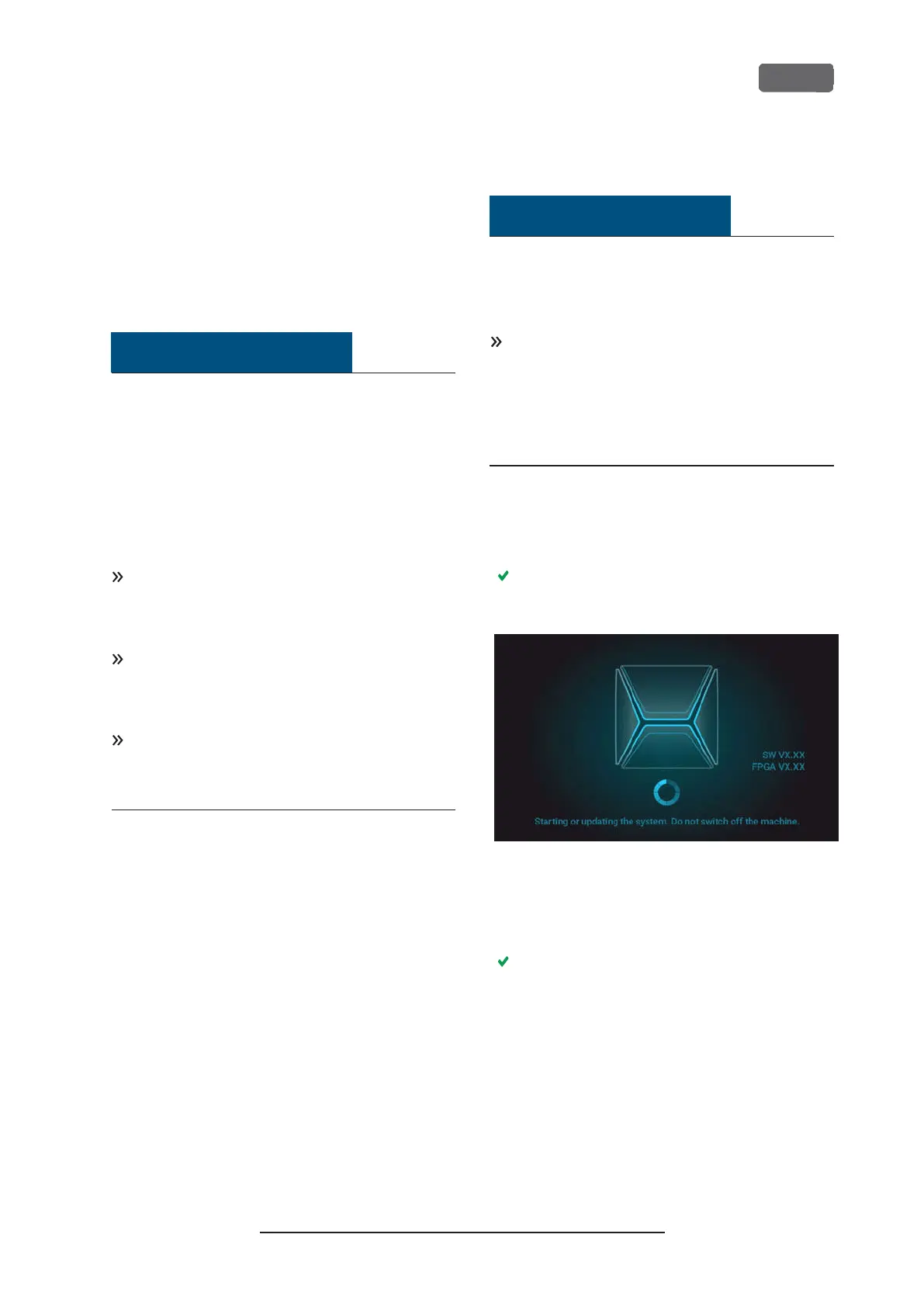
The machine indicates on the touchscreen that it
is starting up.
F
IG
. 25 – T
HE MACHINE IS STARTING UP
4.
Wait until the machine has started up. This usually
takes up to 2 minutes, but can take significantly
longer in case of a Windows
®
update.
The following happens:
a.
The touchscreen indicates that the internal
CAM computer is connecting to the touch-
screen.
Z4 – Operation: Preparing jobs
EN 31
Original Operating Instructions:Z4
Version: 12/5/2018



 To Next Page