F
IG
. 23 – S
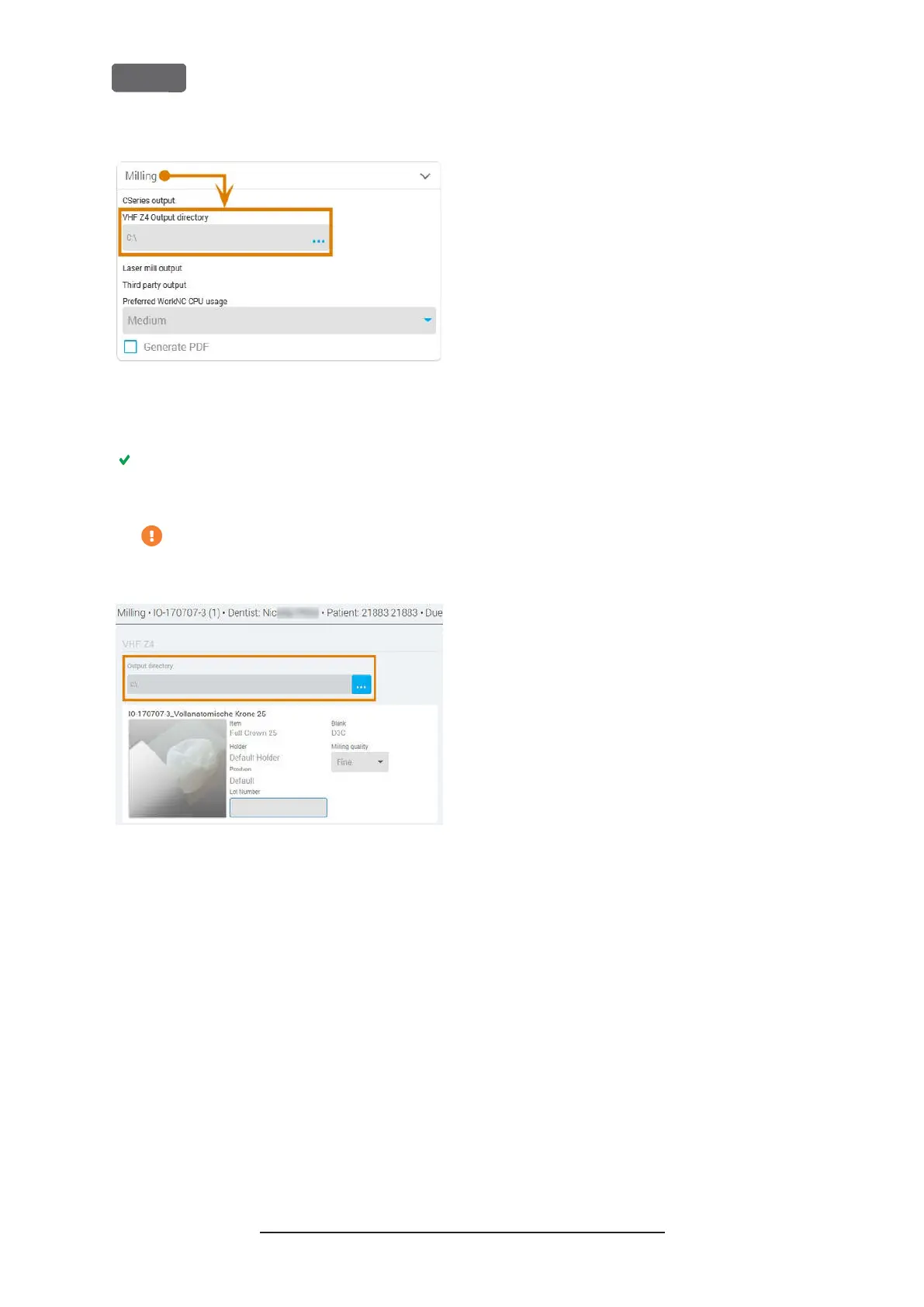
PECIFYING THE OUTPUT PATH IN
D
ENTAL
W
INGS
C
HAIRSIDE
CAD
6.
Save your changes.
From now on, Dental Wings Chairside CAD auto-
matically suggests exporting dental objects into
the specified folder.
Do not manually change the folder or else
the CAM computer will not find the jobs.
F
IG
. 24 – I
N THE MARKED INPUT FIELD
,
THE SPECIFIED FOLDER WILL
DISPLAY AT THE END OF A WORKFLOW
Original Operating Instructions:Z4
Version: 12/5/2018
Z4 – Installing the machine
EN 30



 To Next Page