F
IG
. 28 – R
EMOVING THE TOOL FROM THE COLLET CHUCK
5.
Confirm the current message.
The working chamber door closes.The machine
is ready for operation.
Shutting down the machine
DANGER
Danger of an electric shock if unplugging
the power cable before switching off the
machine
If you unplug the power cable while the main power
switch is still in “ON” position, residual voltage in the
power cable may cause you to suffer from an electric
shock.
Before
unplugging the power cable, switch off
the machine at the main power switch.
You can shut down the machine when it is not
processing.
1.
Select the depicted icon in the
Home
section of the touchscreen (
Ž
The sections of the
touchscreen
– on page36
).
The machine shuts down.
2.
Wait until the touchscreen is switched off and the
machine has completely shut down.
You can restart the machine by pressing the start
button of the machine.
3.
(Optional)Switch off the machine at the main
power switch.
The machine is no longer powered. Information
on restarting it:
Ž
Starting the machine
– on
page31
.
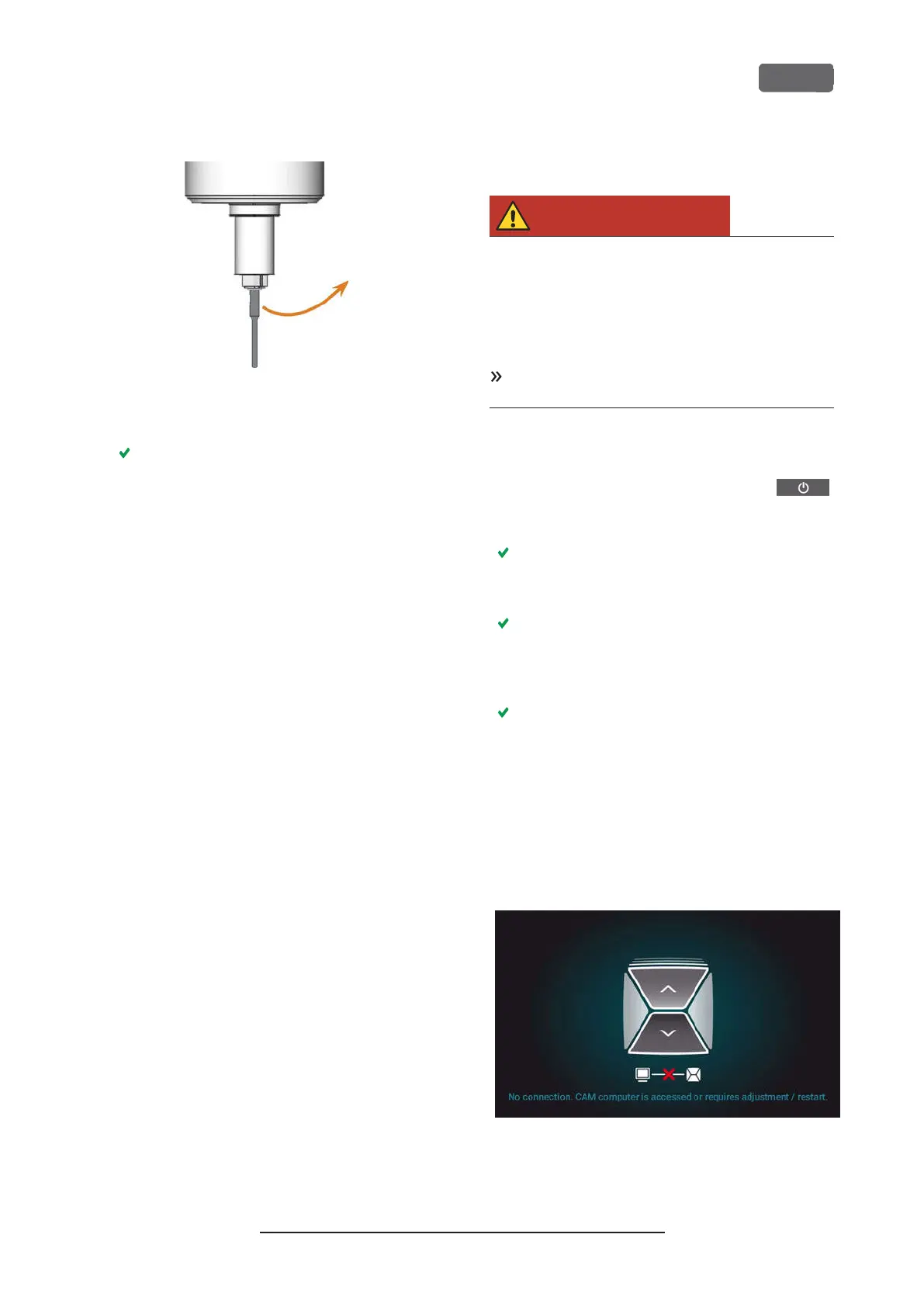
If there is no connection to the
CAM computer
If the connection to DentalCNC on the CAM computer
gets lost or cannot be established at startup, the touch-
screen displays the following image:
F
IG
. 29 – T
HE TOUCHSCREEN INDICATING THAT THERE IS NO
CONNECTION TO
D
ENTAL
CNC
Z4 – Operation: Preparing jobs
EN 33
Original Operating Instructions:Z4
Version: 12/5/2018



 To Next Page