Visionix EyeRefract User Guide
19
Equipment and Installation
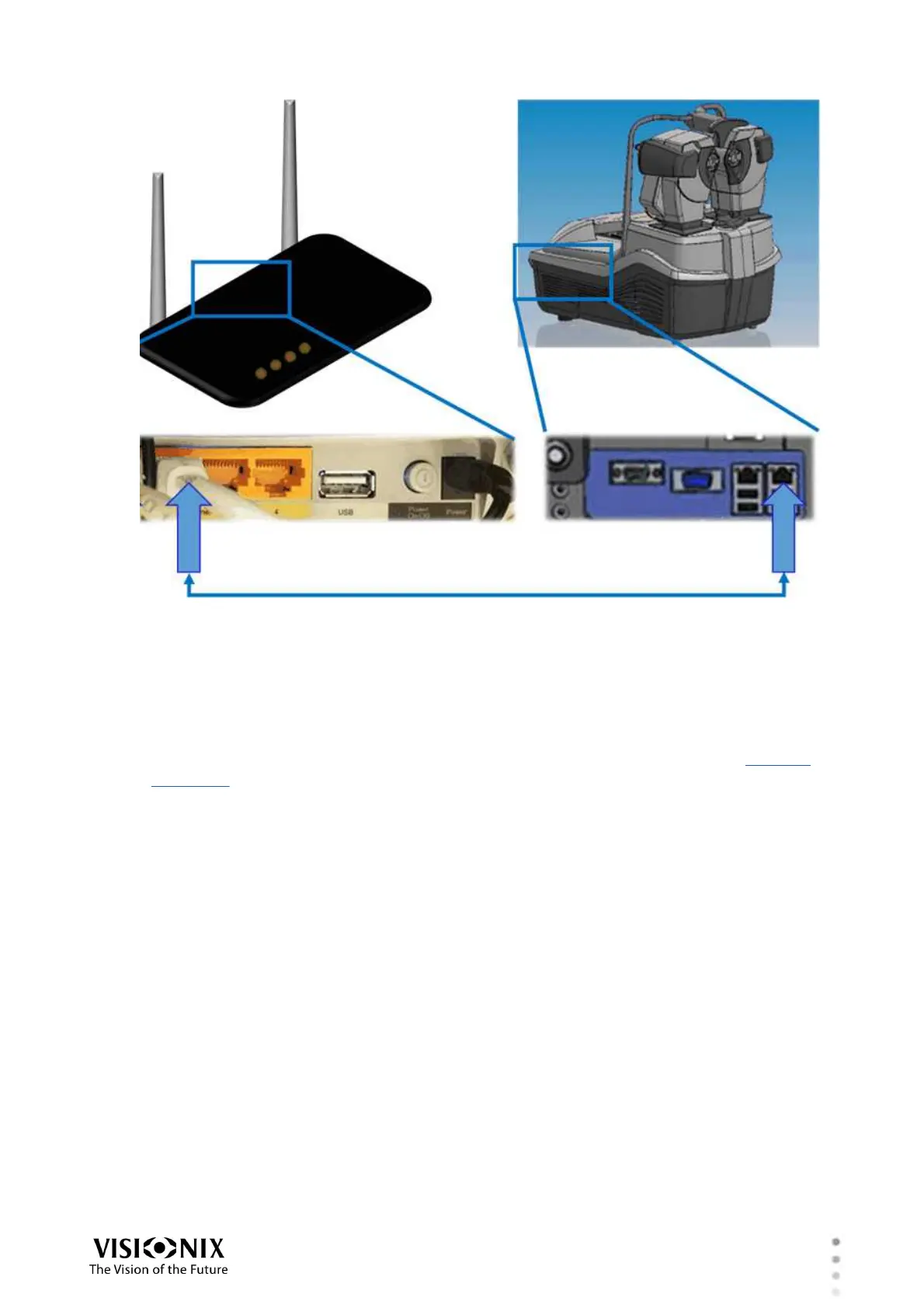
Connecting the EyeRefract unit to the router
Setting Up the Chart Monitor
The chart monitor must be installed at least five meters from the patient. The actual distance
between the patient and the chart is manually entered into the unit's settings by the installer
after the monitor is installed. (This distance appears in the upper-right corner of the Measure
and Refraction screens when far vision is selected.)
The chart monitor is preconfigured to connect to the system's dedicated network wirelessly. It
should connect to the EyeRefract's network automatically once it is set up.
To set up the chart monitor:
1. Install the monitor in its intended location.
2. Plug the monitor into an electric outlet.
3. Connect the supplied WiFi dongle to the USB port on the monitor.
4. Turn the monitor on.
Setting Up the Lens Meter
The supplied lens meter enables you to import prescriptions of existing eyeglass lenses directly
into the EyeRefract. It is preconfigured to connect to the system's dedicated network
wirelessly. It should connect to the EyeRefract's network automatically once it is set up.
To set up the lens meter:
1. Place the lens meter on a table or other flat surface.



 To Next Page