VIVOTEK - A Leading Provider of Multimedia Communication Solutions
32 - User's Manual
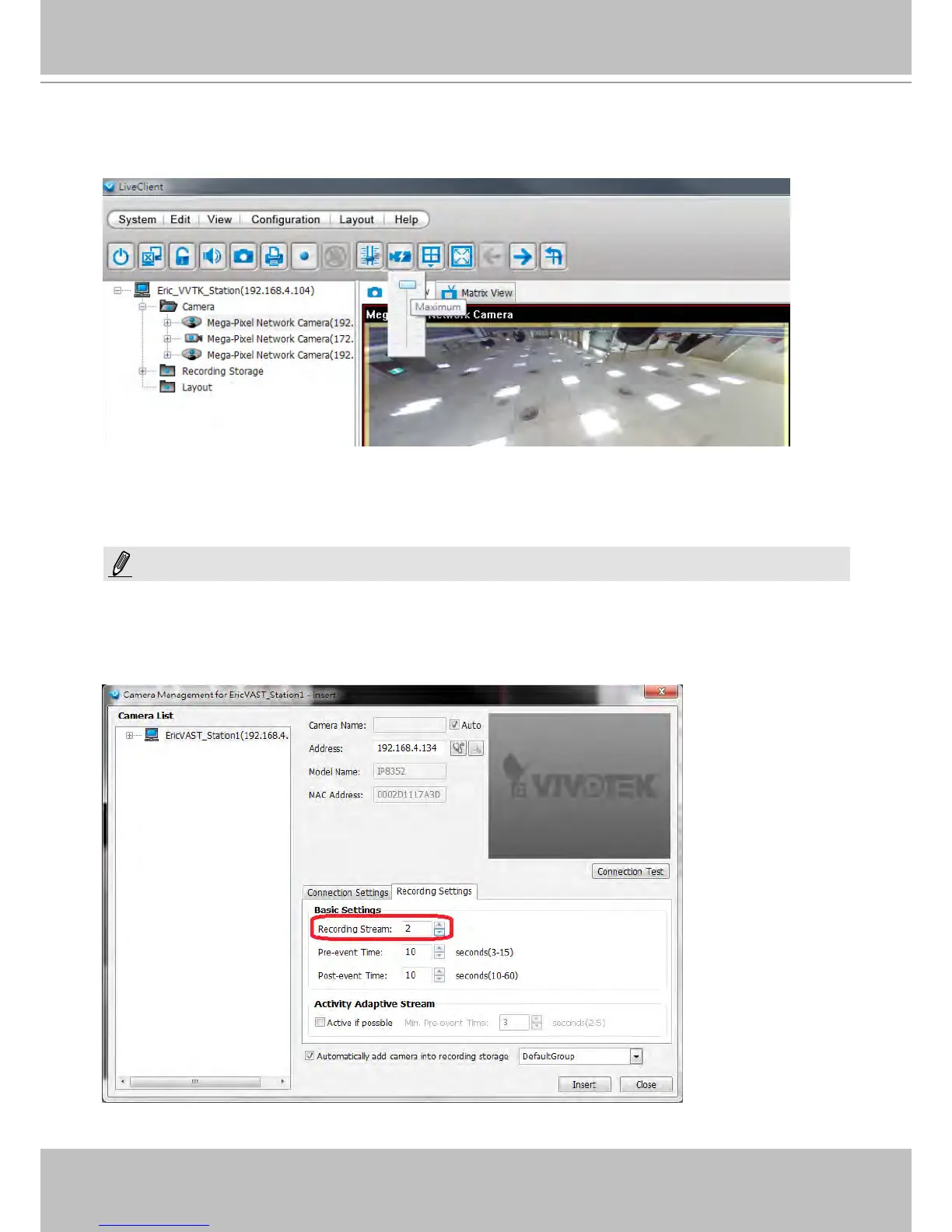
If you have multiple SVC-enabled cameras, you can enable a collective setting via the Adjust
SVC level button on the tool bar. The frame rate selected here will then apply to all view cells on
the VAST LiveClient console.
Please note that the SVC related setting can not take effect while the LiveClient station is
running the Layout Rotation. Stop the layout rotation before conguring the SVC function.
While you save your bandwidth for live viewing, you can still record full-frame-rate video by changing the
recording setting. For example, you can enable resource-saving SVC on stream #1 and congure stream
#2 to be recorded with full details, in terms of frame size, frame rate, and video quality. Please note
that you should use the Constant Bit rate methodology to limit the size of recording stream to 6Mb per
second.
NOTE:



 To Next Page