Page 40 of 148 300004969171/B
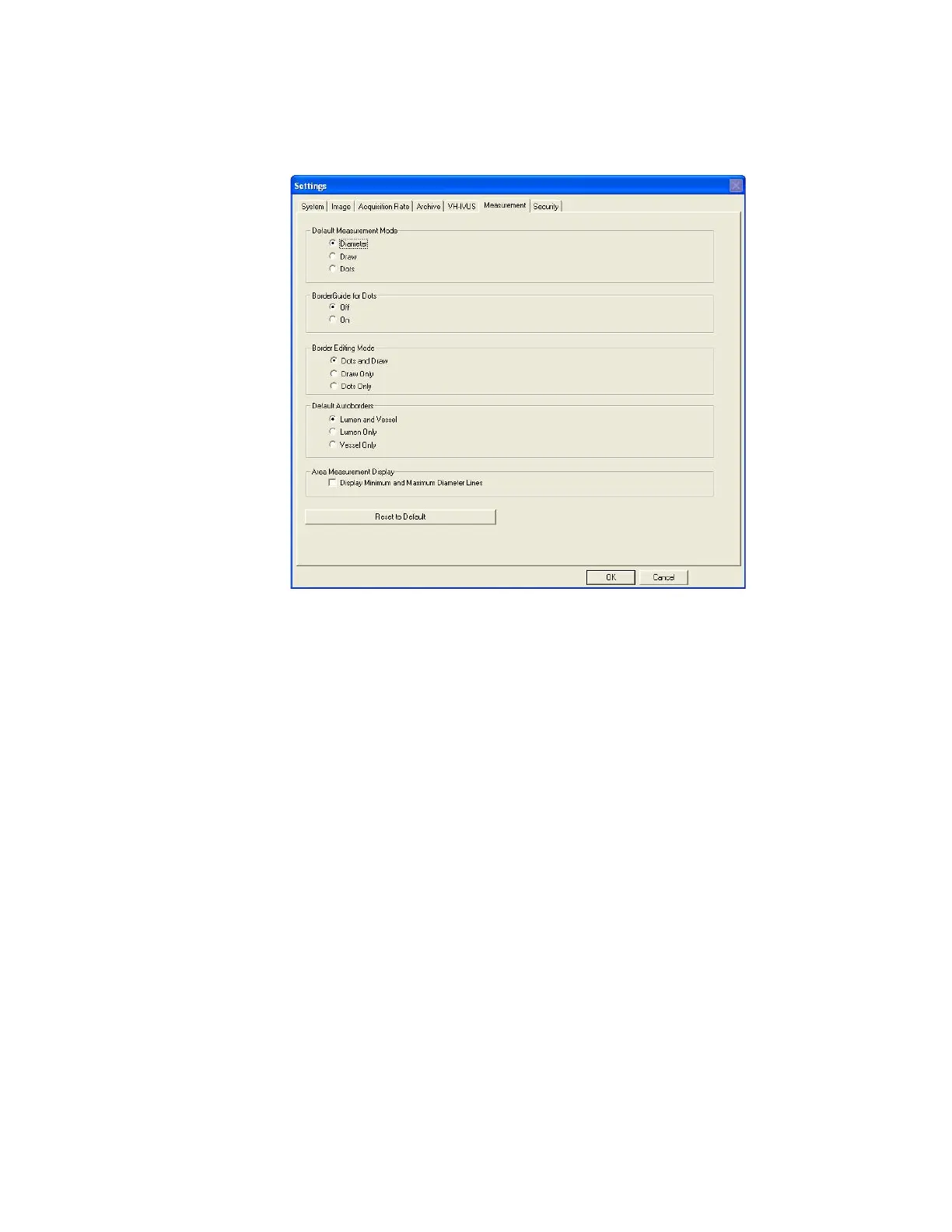
Figure 17: Settings – Measurement Defaults
Security Tab
System access can be restricted by requiring a username and password to operate the system.
When security is enabled upon boot-up, you will be prompted to enter your username and
password. Once this is done, you will have full access to the system.
It is advised to log off if the system is unattended or if switching users. To Log off, click the
Select Mode button and then select Log Off. To log on, enter username and password.
Upon installation of v3.3.X Software, a site administrator will be assigned to manage system
security. Please contact your site administrator or local Volcano representative if you have any
questions regarding enabling the Security feature, adding/deleting users, or lost usernames
and/or passwords.
If the password is forgotten, please contact the administrator.


 To Next Page