300004969171/B Page 41 of 148
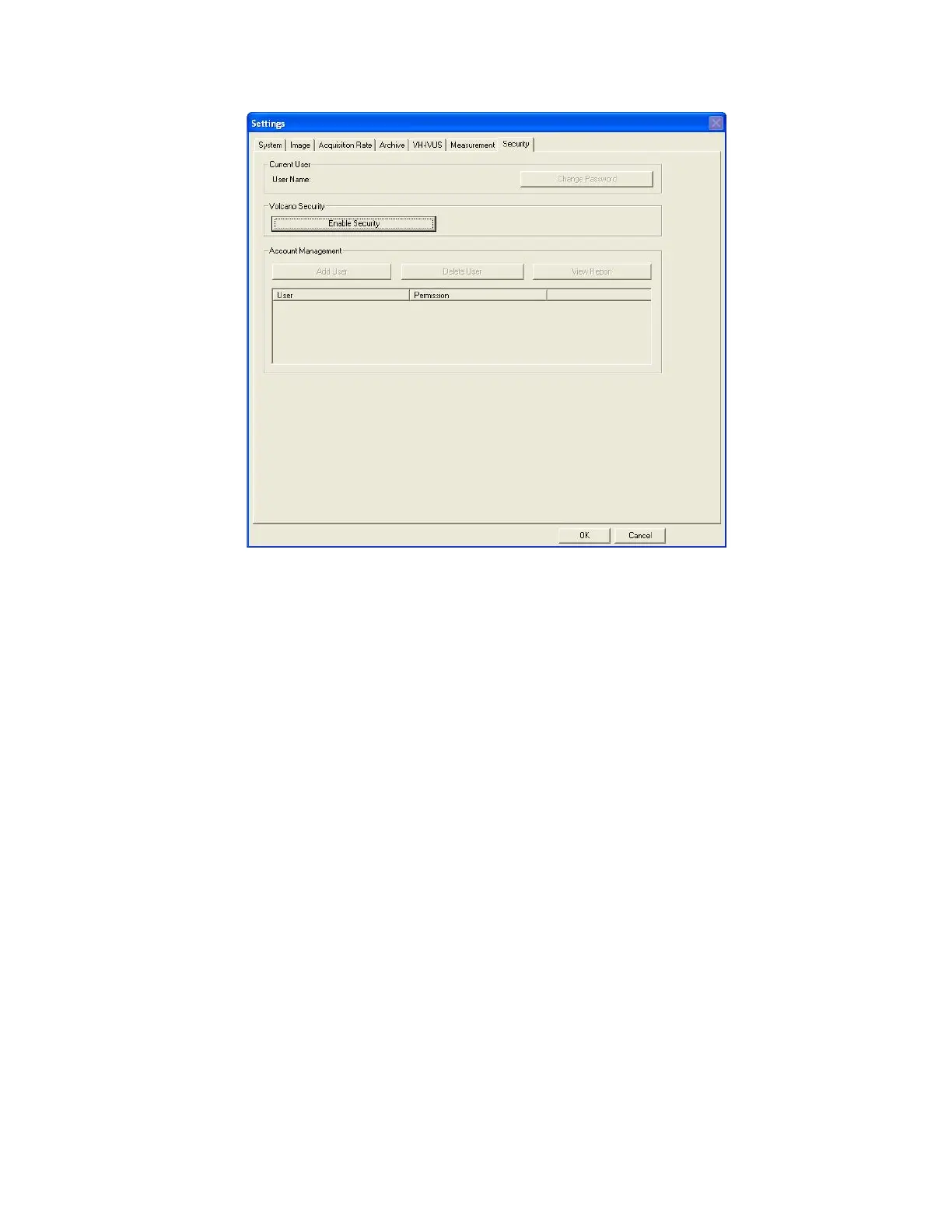
Figure 18: Settings - Security
The site administrator can do the following from the Security Tab:
• Enable or disable the Security feature
o To enable security the administrator must select Enable Security and
enter the default username and password. This information should have
been provided during installation. If not, please contact your local
Volcano Representative.
o To disable security, the administrator must select Disable Security and
enter the username and password.
• Add or delete a user:
o To add a user, select Add User in the Account Management section.
Specify Account type as user or administrator. Assign a username and
password for this user.
o To delete a user, select the user’s name in the Account Management
section. Click delete user, then confirm or cancel the action.
• Change administrator username and/or password:
o You can change your password if you desire by clicking on the change
password button in the Security tab.
o Note that the password requires one capital letter
• Access a report showing user activity



 To Next Page