77
Version 2.0.4 | © 2016-2021 wallPen GmbH
Best Practice
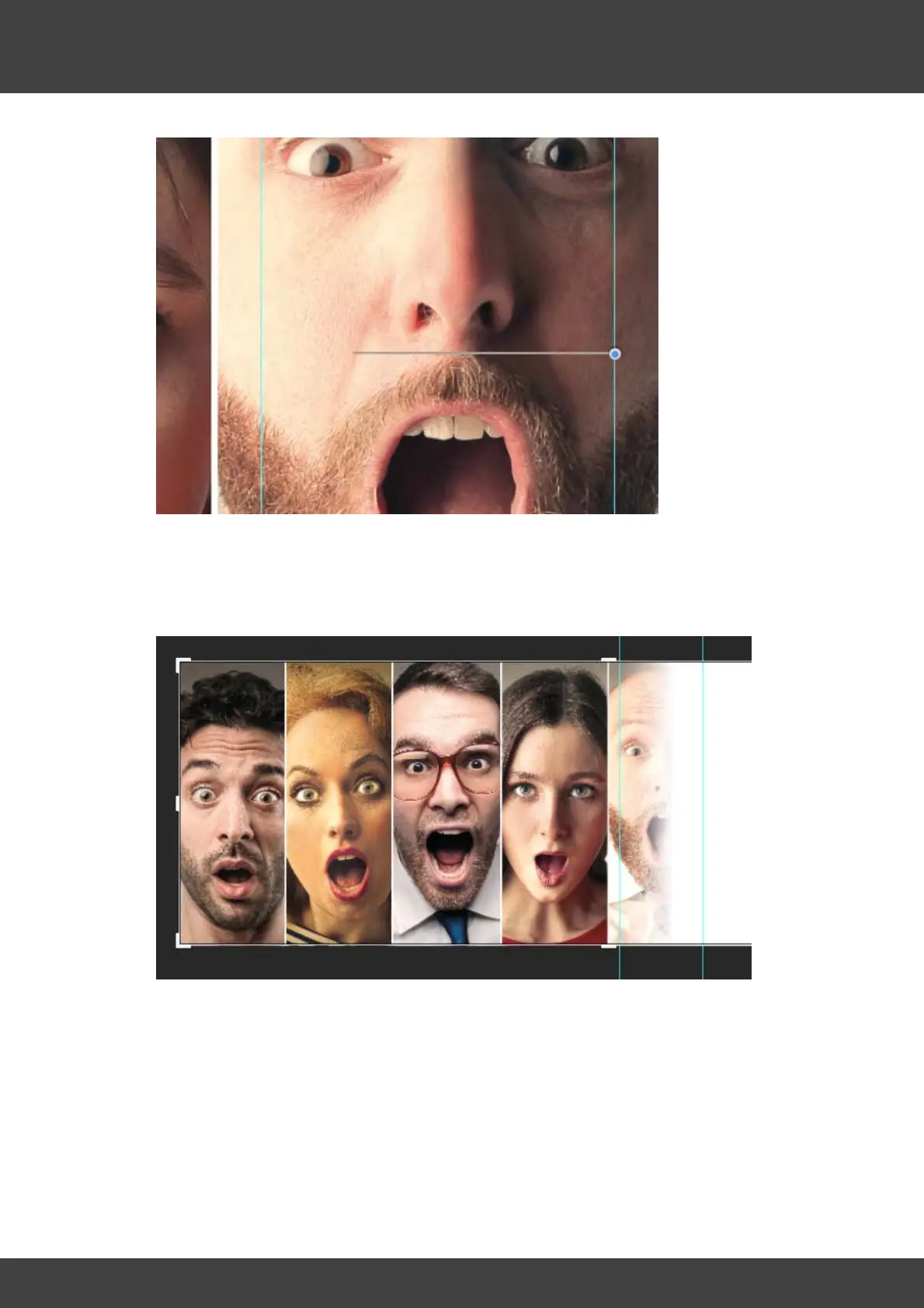
8. Keep holding down the mouse button, additionally hold down the shift key and
place the then displayed line in an area about two thirds to the left of the right help
line and one third to the right from the left help line as shown in the image above.
9. The result be look something like this...
10. Next switch the layer "left" to invisible and activate the layer "right"....



 To Next Page