wallPen E2 | User Manual
88
Color Management
The RGB Color Model
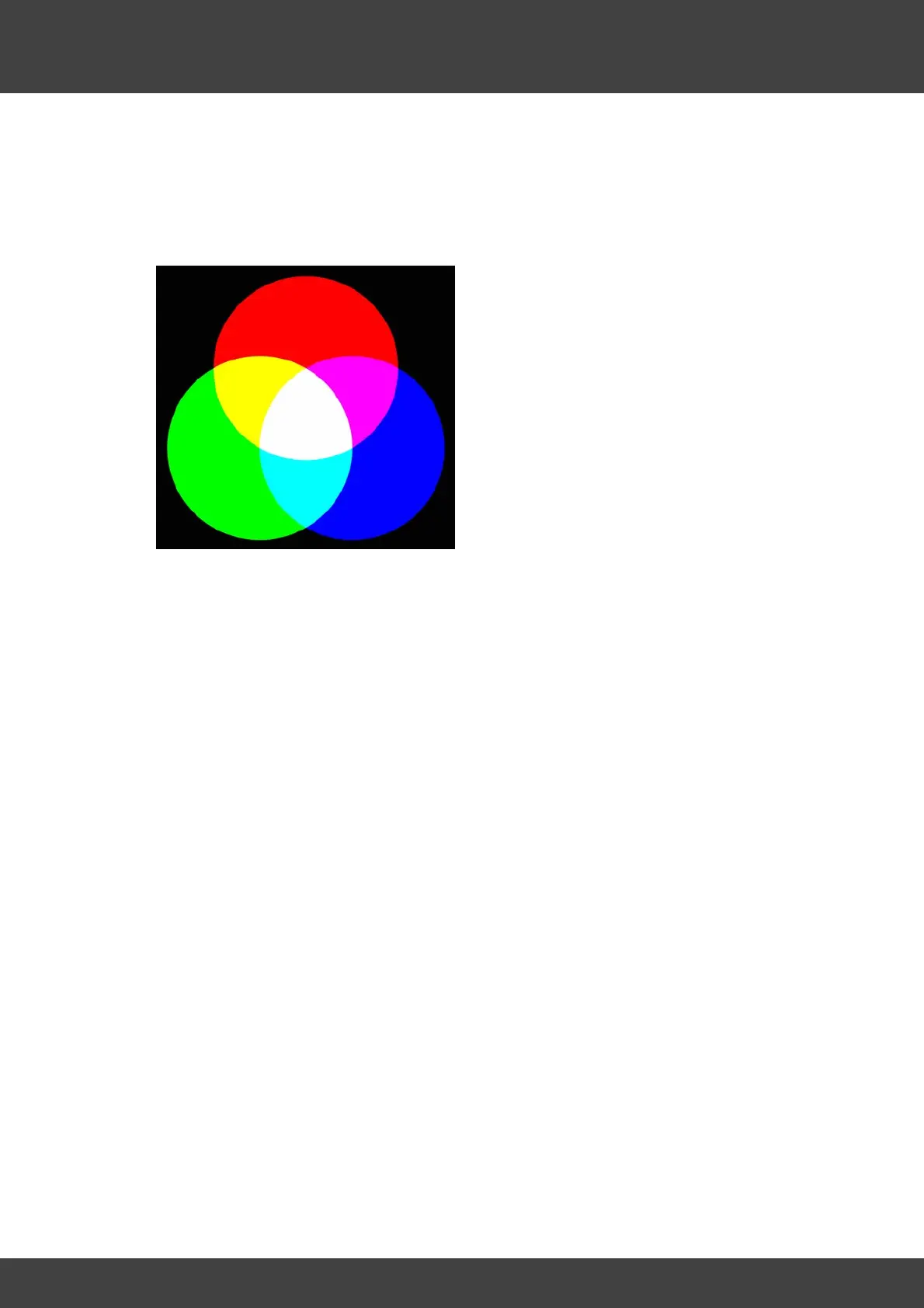
RGB is an so called "additive color model", which means that - starting from black - the
sum of the three colors result in white. So it is generally assumed to start from a dark
or black background and the addition of these three colors result in white.
Looking at three "drops" red, green and blue on a black background in the image
above, you will find the cross-fade of red and green mixes into yellow, green and blue
results in cyan and red and blue turns out to be magenta. Finally the total of all three
colors in the center result in white. Since monitors (like cell phone) usually have a black
background, the RGB color model is ideal to display colored images on dark displays.
But what about printers? Printers are usually expected to print on a white (or at least a
light) background, so an additive color model like RGB would not work out and
meaningful results are not possible.



 To Next Page