890557_d•en•01.07.2014
We reserve the right to carry out improvements
100
Wisotronic 1-channel
Operating instructions
8.2 Measured values
history
For each measured value, you can call up the measurement data as a curve.
In the main menu, select [Meas.val.] > [All measured values] >
[Control panel temperature] and press the touchwheel.
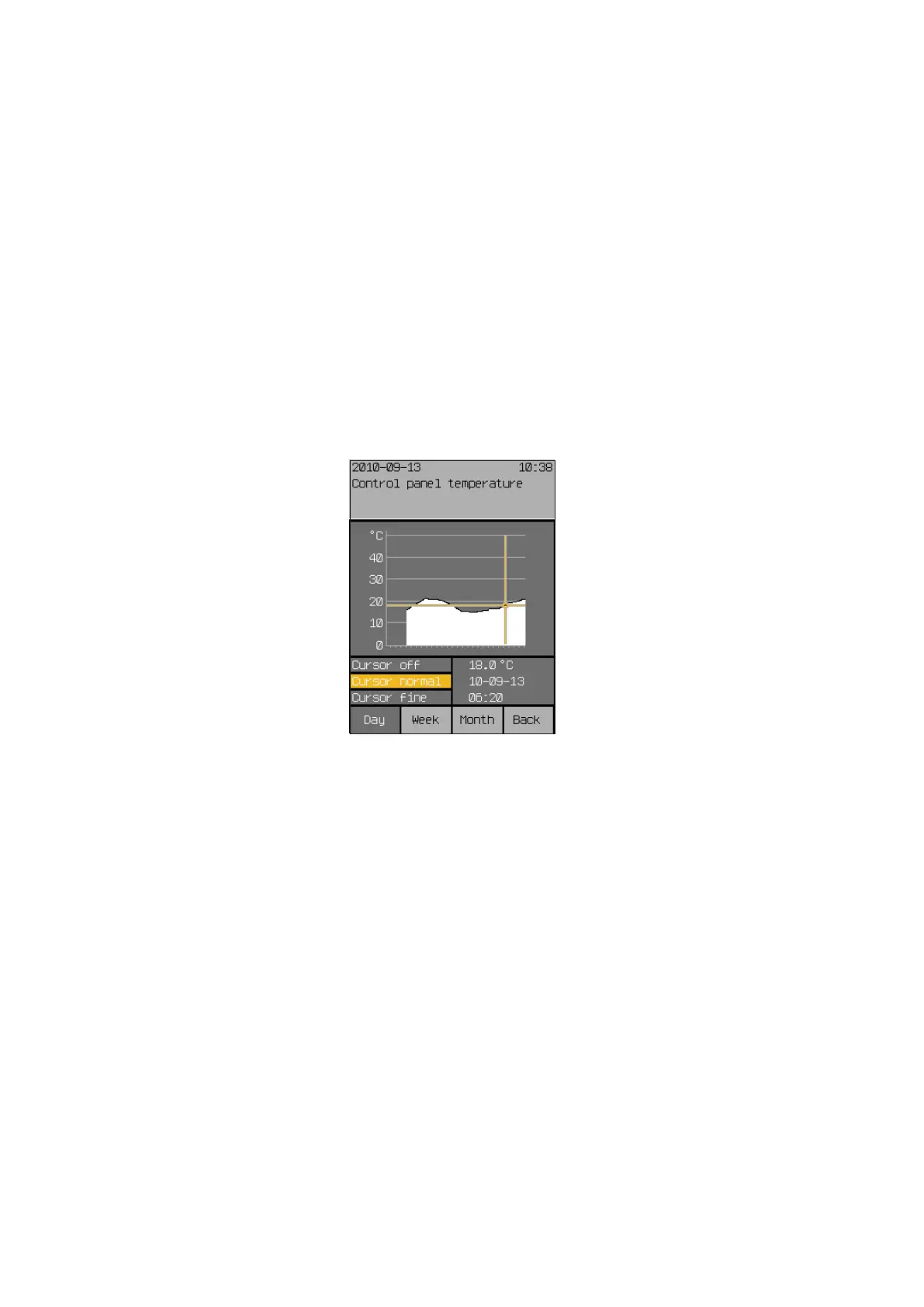
The history associated with the temperature reading is displayed.
Pressing the touchwheel again activates the cursor (a reticle) in the normal
mode.
Below the history, the measured value, the associated time and the date are
now displayed.
Turning the touchwheel moves the cursor moves back and forth (in steps of
30 minutes).
Pressing the touchwheel again switches the cursor to “fine” (steps of
10minutes) and pressing it again deactivates the cursor again.
You can use the [Week] and [Month] function buttons to also view the associ-
ated long-term temperature progressions.
When using the function button [Back] to switch to the menu
[Current measured values], you can view the histories of the other measur-
ing values in the lines below in the same manner.
NOTE Curves and measurement data are not displayed for periods in which meas-
ured values were not recorded.
Start menu
Measured values
All measured values
"Name of measured value"
Meas.val.



 To Next Page