890557_d•en•01.07.2014 We reserve the right to carry out improvements
51
To set the temperature control of your Wisotronic, press the function but-
ton [Sett.] in the main menu and switch to the [Comfort functions] >
[Temperature control ON/OFF] menu.
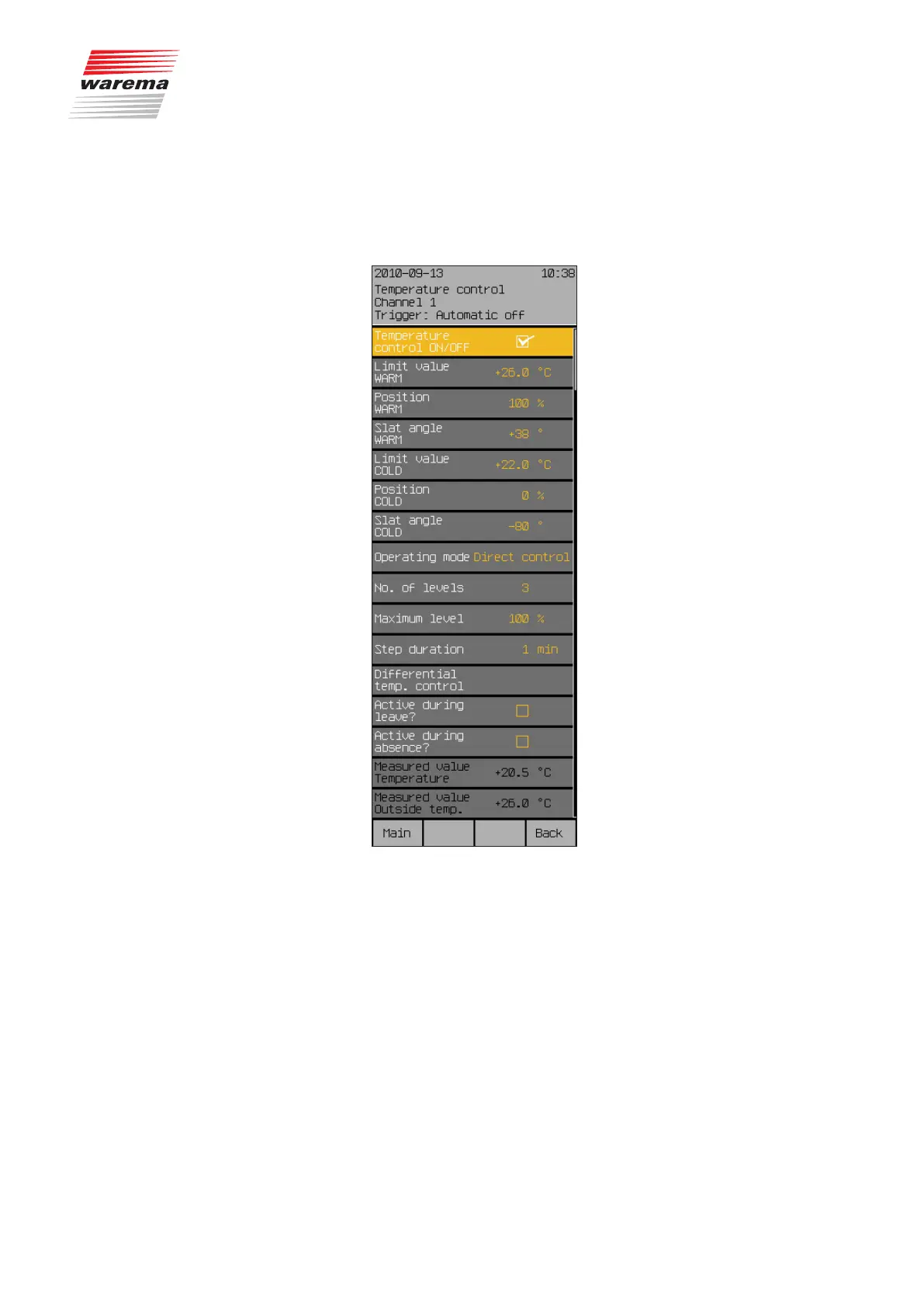
The following view appears in the display:
7.2.3.2 Temperature control
ON/OFF
In this menu line, activate or deactivate the temperature control.
To activate or deactivate the temperature control, set or delete the checkmark
in the line [Temperature control].
The function button [Stand.] selects the factory setting.
Start menu
Main menu
Settings
Comfort functions
Temperature control
Temperature control



 To Next Page