890557_d•en•01.07.2014
We reserve the right to carry out improvements
102
Wisotronic 1-channel
Operating instructions
8.4 Trigger history
In the main menu, select [Measured values] > [All measured values]. In
this menu you see the history associated with the triggers for the selected
channel.
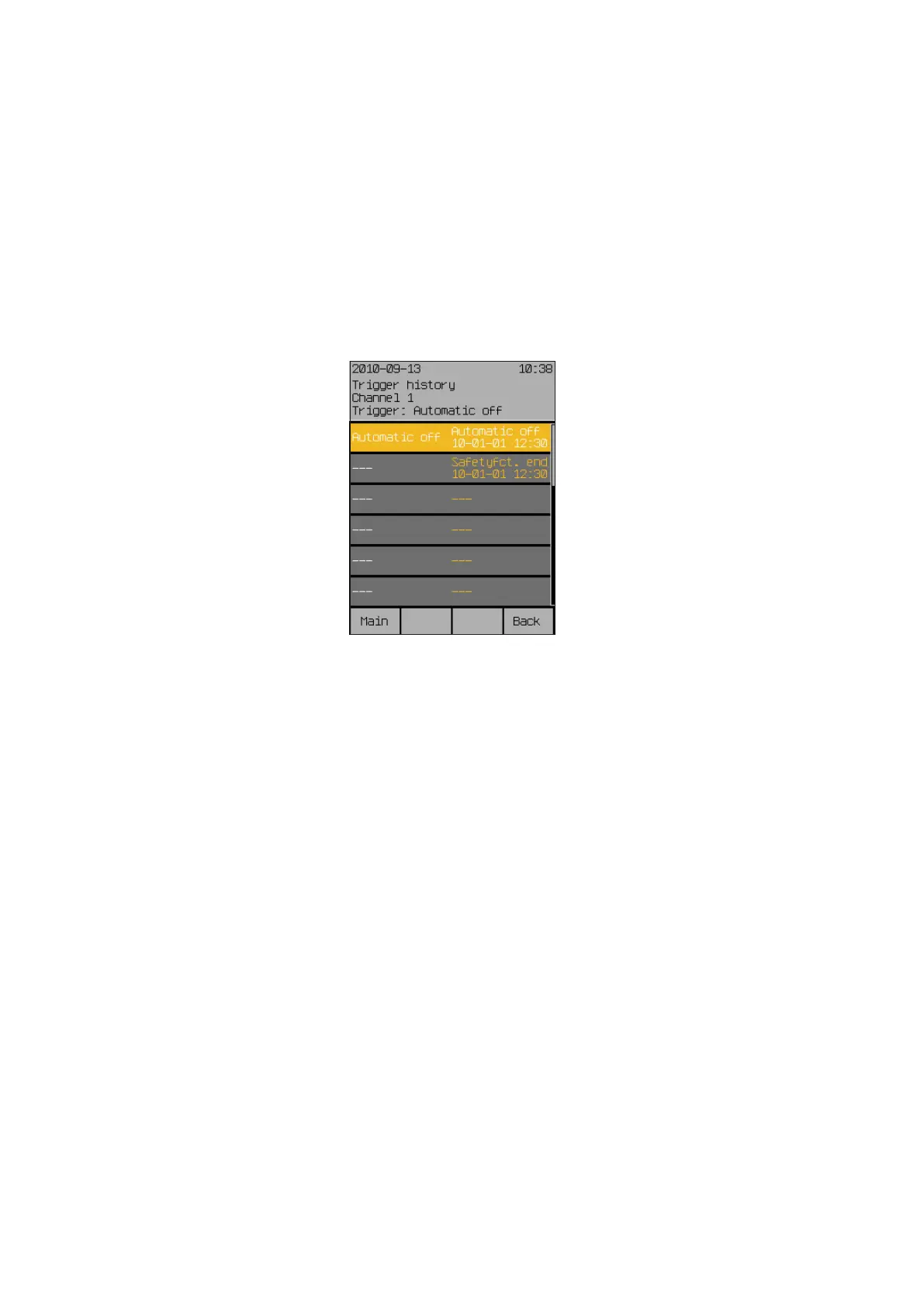
Pressing the touchwheel opens a menu [Channel # Trigger history]
(or the channel name assigned by you) in which you will see a list of the trig-
gers in chronological descending sequence.
The triggers are now shown at the left, while their trigger conditions, the as-
sociated time and the date can be seen at the right.
The selection line move up or down by turning the touchwheel.
Example The list displayed shows the triggers in chronologically descending order so
that the last one is always on top.
Start menu
Measured values
All triggers
"Name of trigger"
Trigger



 To Next Page