890557_d•en•01.07.2014
We reserve the right to carry out improvements
16
Wisotronic 1-channel
Operating instructions
3.2.1 Display of the products
The various product types you control with the Wisotronic are assigned to
the channel during installation. When you select a channel in the main menu
by pressing the touch wheel, the operating menu appears. In the operating
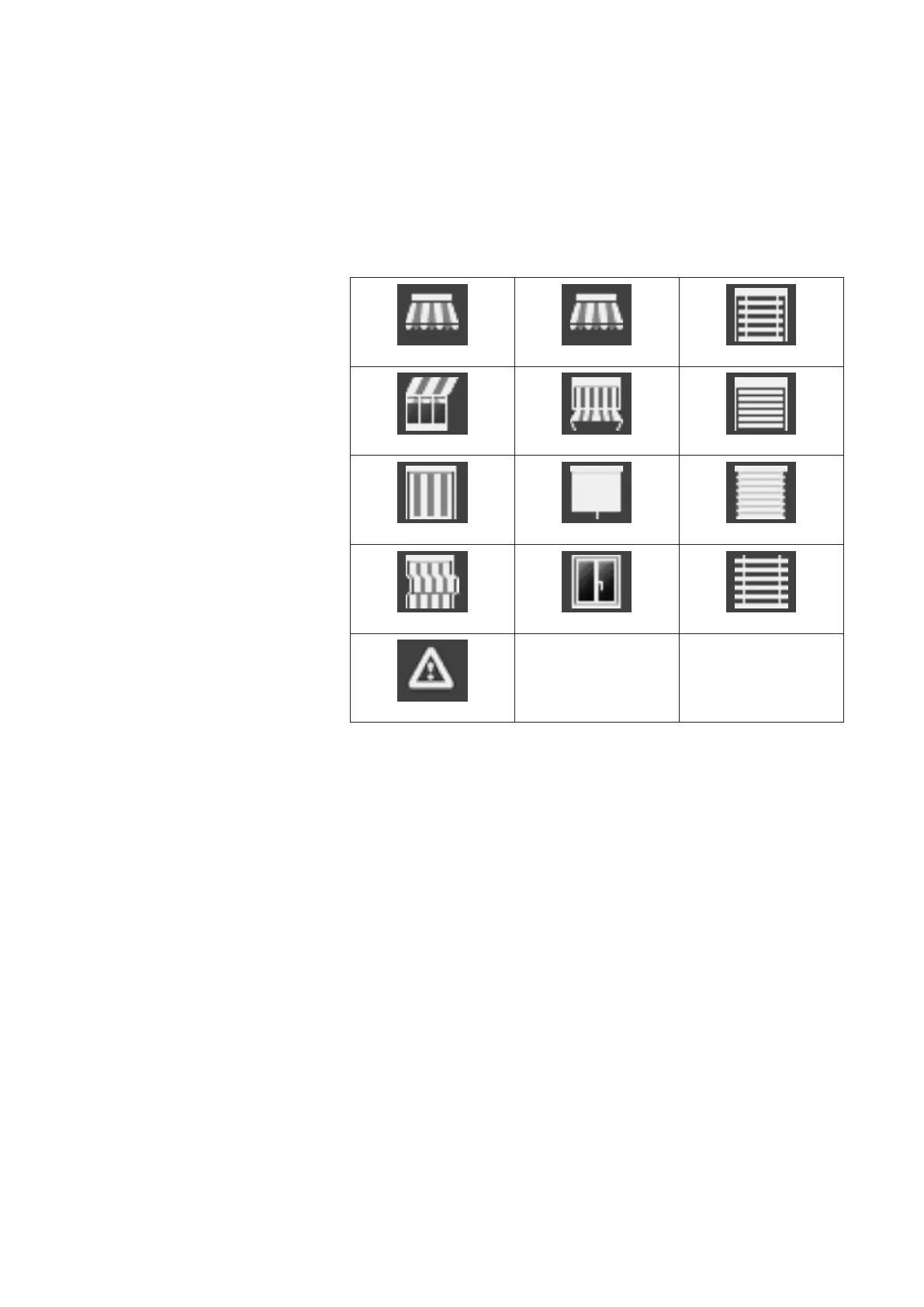
menu the channel type is displayed graphically as follows:
Articulated arm awning Drop-arm awning External venetian blind
Conservatory awning Markisolette Roller shutters
Vertical awning Inside roller blind Pleated blind
Facade awning Window Venetian blind
Fault alarm contact
Fig. 2
Introduction



 To Next Page