890557_d•en•01.07.2014
We reserve the right to carry out improvements
76
Wisotronic 1-channel
Operating instructions
7.2.11 Hand-held transmitter
allocation
The WAREMA EWFS Hand-held transmitters can be used to manually oper-
ate the sun shading products connected to Wisotronic.
Read the operating instructions of the EWFS Hand-held transmitter prior to its
first use.
You can use several EWFS Hand-held transmitters (1-channel or 8-channel),
assign one of the 4 hand-held transmitter channels or delete hand-held trans-
mitters already assigned.
NOTE The WAREMA range includes transmitters in an enclosure for wall mounting.
These EWFS Wall-mounted transmitters have exactly the same functions as
the EWFS Hand-held transmitters described here and can be used as an al-
ternative or in addition.
NOTE Each hand-held transmitter channel can only be assigned once in the Wiso-
tronic.
Press the function button [Sett.] in the main menu and go to the menu
[Comfort functions] > [Hand-held transmitter allocation].
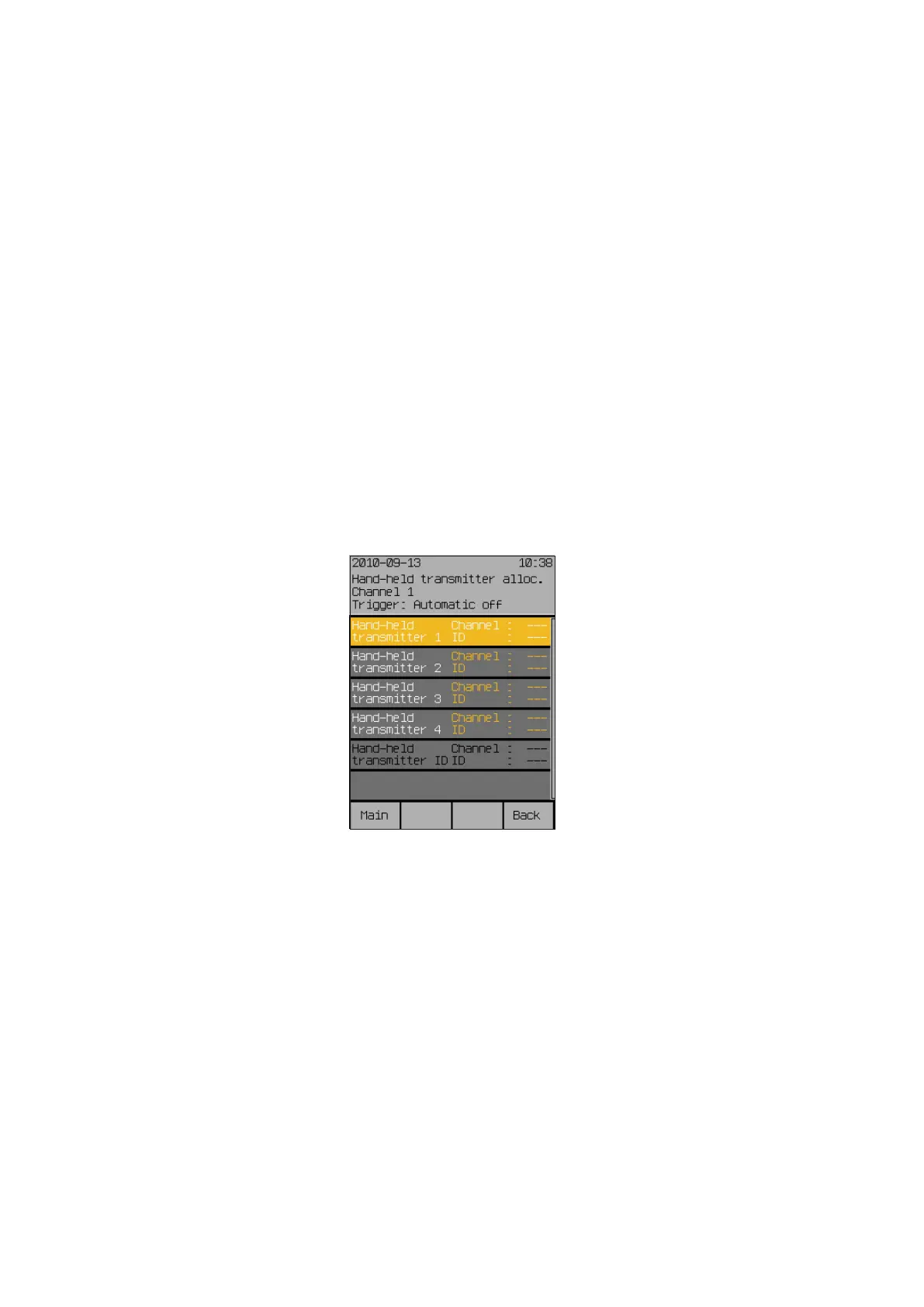
The following view appears in the display:
Start menu
Main menu
Settings
Comfort functions
Hand-held transmitter allocation
Hand-held transmitter



 To Next Page