890557_d•en•01.07.2014 We reserve the right to carry out improvements
91
7.5.4 Language
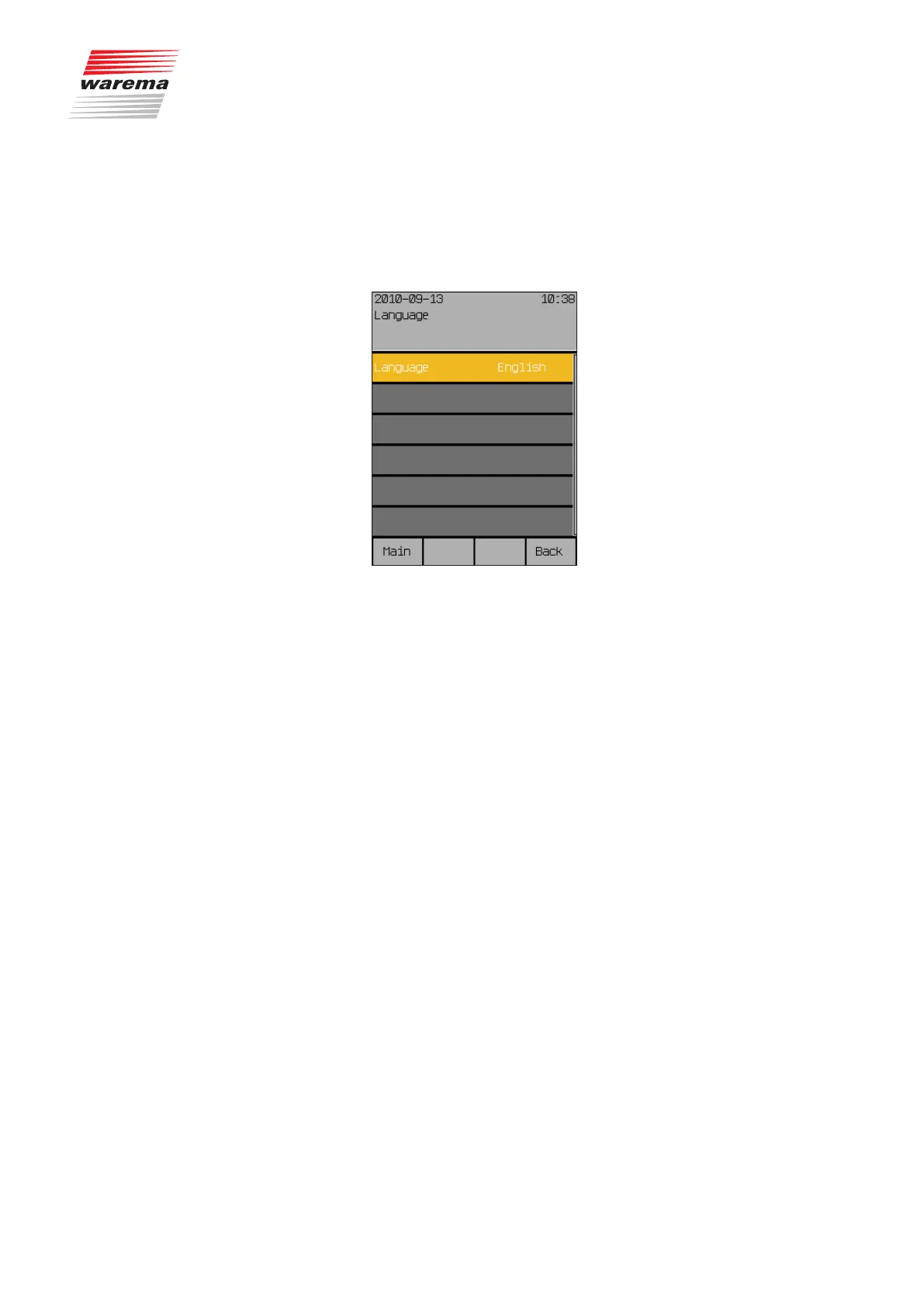
Set the operating language of the Wisotronic in this menu.
Press the function button [Sett.] in the main menu and then go to the menu
[System] > [Language].
The following view appears in the display:
At the time of printing of these instructions, the following languages were im-
plemented as operating languages.
German
English
French
Spanish
Italian
Norwegian
To set the operating language, toggle between the available languages by
turning the touchwheel.
Press the touchwheel to confirm your selection.
NOTE When the power supply returns after an interruption, the Start menu appears
in the display in the language last selected.
Start menu
Main menu
Settings
System
Language
System settings



 To Next Page