890557_d•en•01.07.2014 We reserve the right to carry out improvements
103
8.5 Faults
Push the [Measured value] function button in the start menu and then go to
the [Faults] menu.
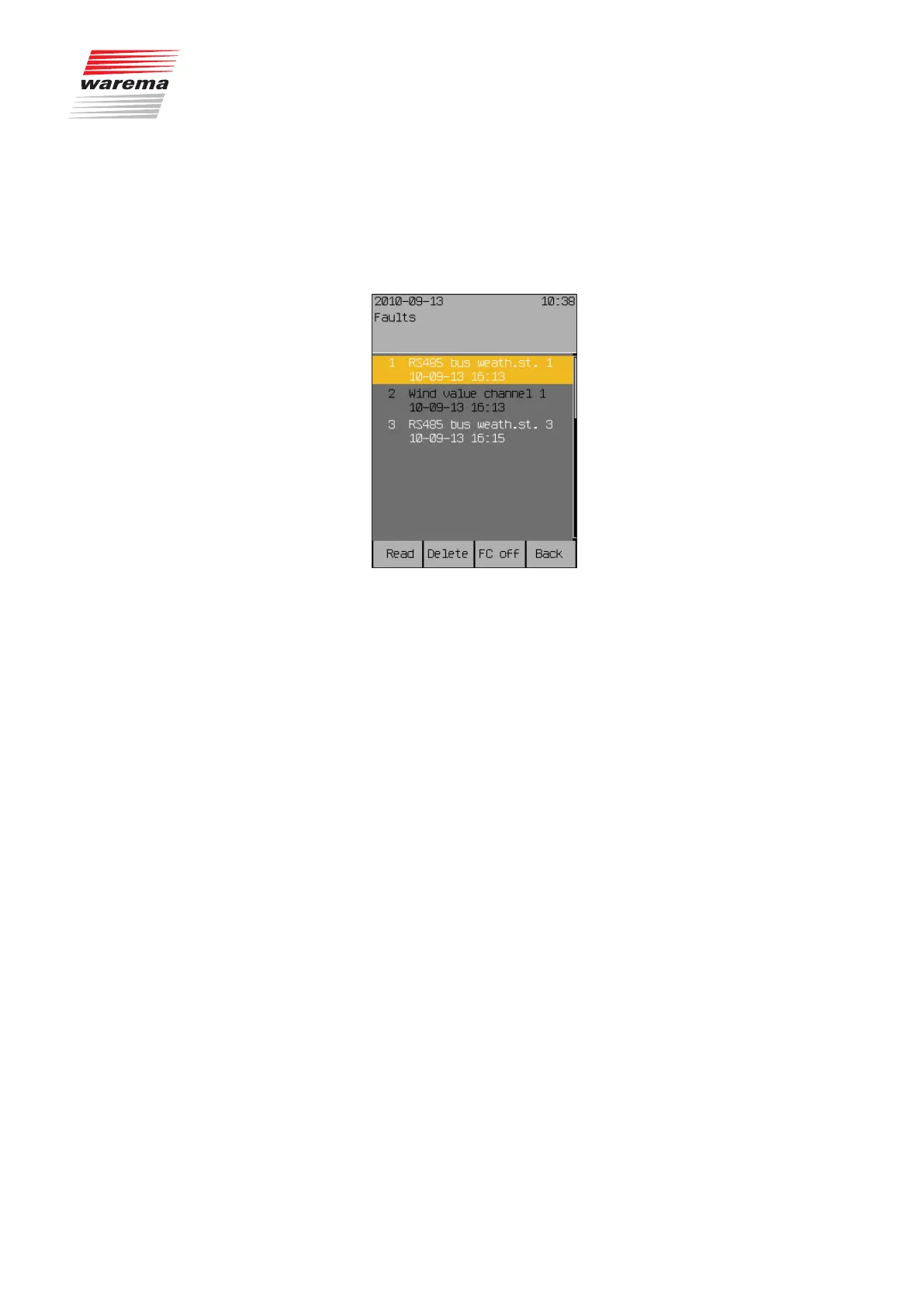
The following view appears in the display (the entries in the left table
are different):
Example You will see a numbered list of faults in chronologically ascending order.
Each line contains:
Fault number
Fault type
Affected device
Date and time
Turning the touchwheel navigates up and down in the list.
When an entry is marked with the [Read] function button, it changes its
colour (see figure, fault number 2).
The [Delete] function button is used to delete an entry.
Start menu
Measured values
Faults
Faults



 To Next Page