890557_d•en•01.07.2014
We reserve the right to carry out improvements
32
Wisotronic 1-channel
Operating instructions
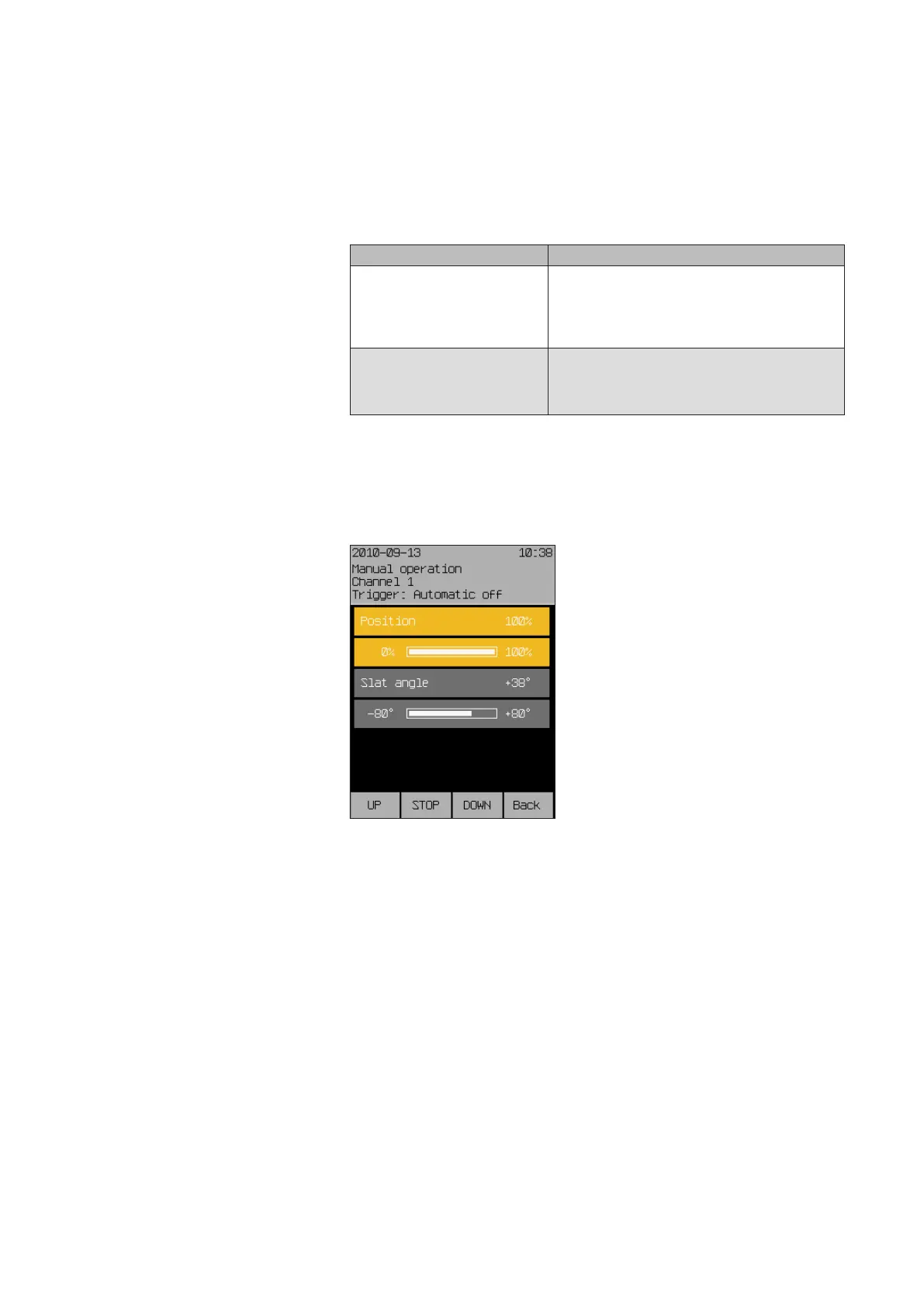
The push buttons and position parameters for the product type in question
(an external venetian blind in this case) are displayed.
Operate the product directly using the function buttons.
Product type Functionality
Slat products
such as external/internal vene-
tian blinds
UP short: The slats tilt up
UP long: The product moves up
STOP Product stops
DOWN short: The slats tilt down
DOWN long: The product moves down
Other sun shading products
such as awnings or roller shut-
ters
UP The product moves up
STOP The product stops
DOWN Product moves down
OR
Select a menu line with the touchwheel.
Press the touch wheel.
The bar display of this parameter changes colour.
Turn the touchwheel to select the right position and confirm the value by
pressing the wheel.
The blind automatically moves to the selected position.
Operating



 To Next Page