62 Maintenance Procedures
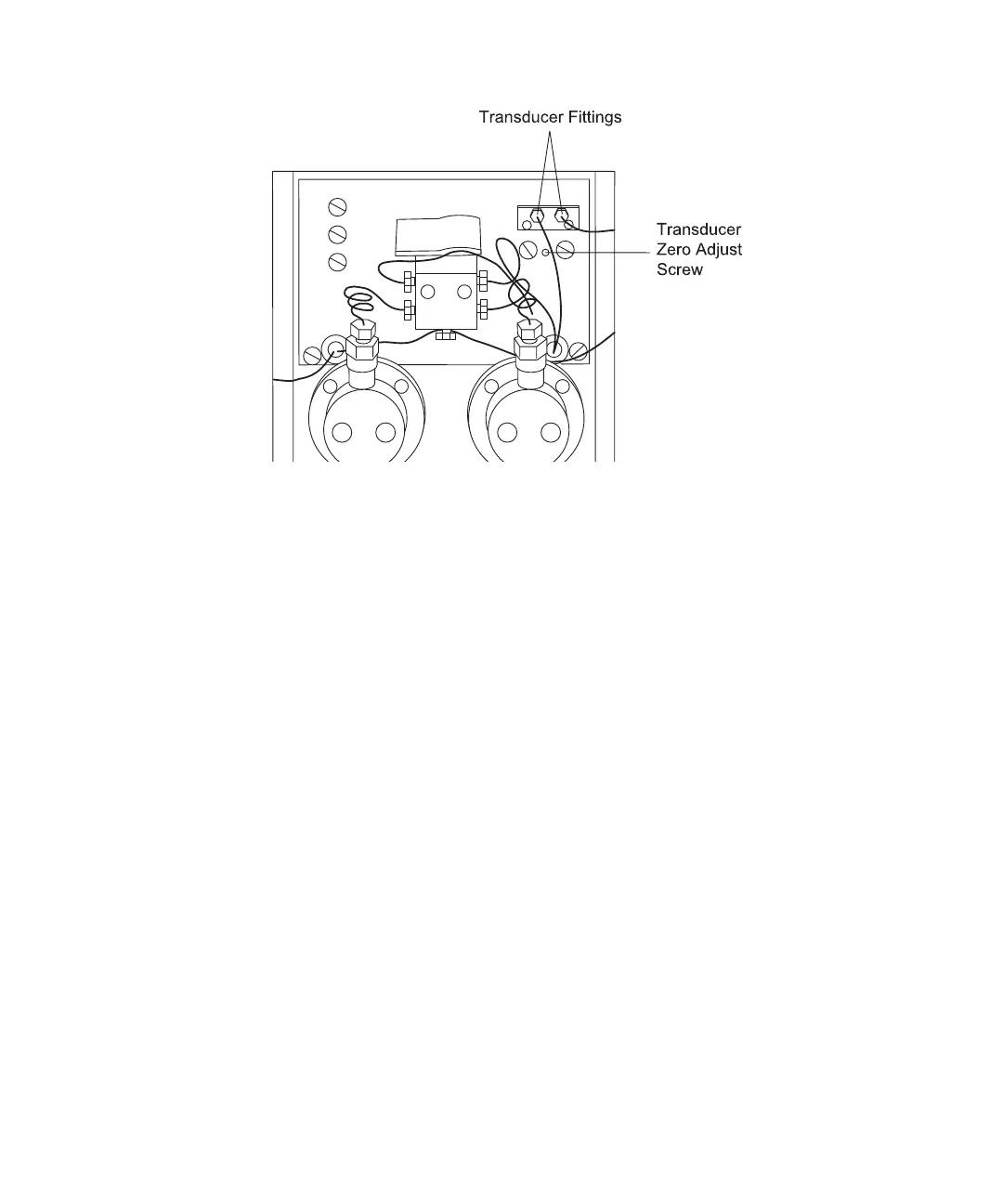
Figure 4-2 Transducer Fittings and Zero Adjust Screw
Replacing the Transducer
1. Power down the 600 controller and disconnect the power cord.
2. Remove the retaining screws from the upper rear panel of the pump and from both
sides of the front panel. Slide the cover off.
3. Disconnect the transducer fittings on the front panel (see Figure 4-2).
4. Loosen the retaining screws above the pump heads and on the top rear corners of the
pump cover. Lift the pump cover off.
5. Remove the two screws just below the transducer fittings on the front panel
(Figure 4-3).



 To Next Page