Maintaining 600E Pump Components 67
Note: For information about isolating plunger problems in the 600E pump, see Chapter 6,
Troubleshooting.
If you do not need to disassemble the pump head, you can remove the complete pump
head-plunger support assembly as a unit. To remove the pump head assembly as a unit,
omit step 2.
Removing the Pump Plunger
1. Turn off the 600 controller to power down the 600E pump.
2. Remove the pump head as outlined in Section 4.2.3, Removing the Pump Head.
3. Remove the four plunger support bolts with a 9/64-inch Allen wrench.
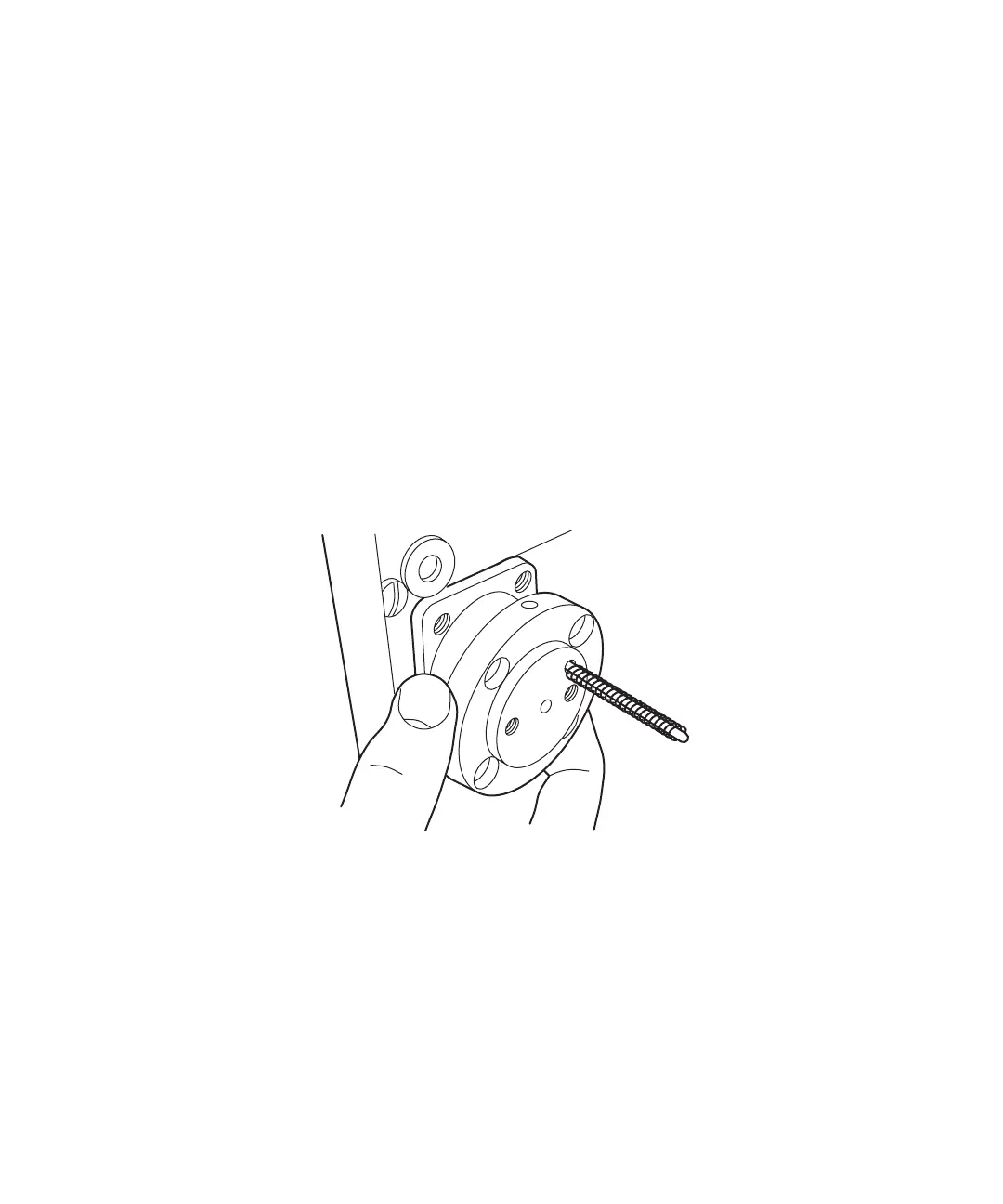
4. Slide the plunger support assembly and indicator rod off the plunger (Figure 4-8).
5. Set flow rate to 0.3 mL/min. Run the pump until the plunger fully extends. Turn off
the pump.
6. Remove the plunger using a pair of snap-ring pliers (Figure 4-9).
Figure 4-8 Removing the Plunger Support Assembly



 To Next Page