2-11Installation: CPU-NXT 3.2 into the BB2
16-1408348
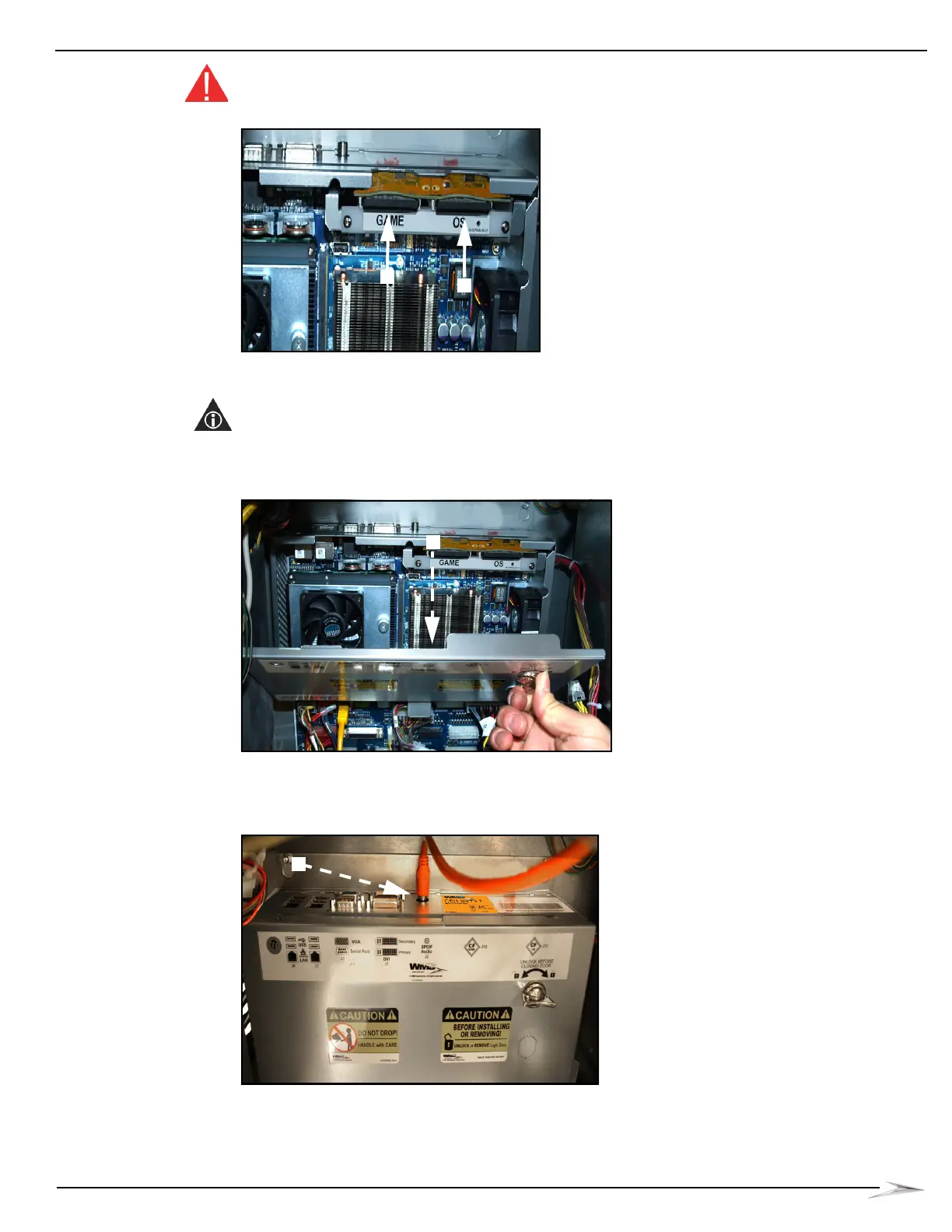
WARNING: Do not force the CompactFlash® card down. If the card does not engage easily, it is
likely installed backwards.
Figure 2-22 Installing CompactFlash® cards.
4 Install the Logic Door on the CPU hinges, then turn the lock to the left and close the Logic Door,
Figure 2-23.
NOTE: If the Logic Door detaches, reinstall it by first engaging the left mounting pin and pushing the
Logic Door towards the Main Door hinge to engage the right mounting pin,
Figure 2-23 (A).
Figure 2-23 Closing/installing Logic Door.
5 Plug the SPDIF Digital Audio Cable into the SPDIF Audio port (J2) located on CPU-NXT 3.2,
Figure 2-24 (A).
Figure 2-24 Connecting the SPDIF Digital Audio Cable.



 To Next Page