General Procedures and Information
6-26 04/08 Phaser 3100 MFP
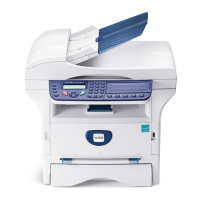
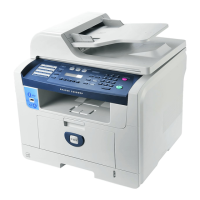
3100MFP/S
Figure 2
Phone Line Connection (3100MFP/X only)
1. Plug the end of the telephone line (C) into the terminal socket (G).
2. Plug the other end of the telephone line (C) into the wall telephone socket.
PC Connections
Users can install and configure the machine on their PC as a local printer and scanner. There are
two ways of connecting the machine to a PC:
• Via a USB connection,
• Via a WLAN connection.
This section only describes physical connections. Refer to the User Guide booklet for more infor-
mation on configuring the machine to a PC.
A Master USB connection (USB key)
B Power cable
C On/Off switch
D Power connection
E Slave USB for PC
F USB cable


 To Next Page
 Loading...