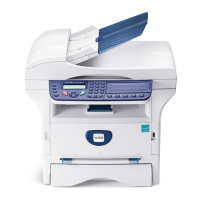
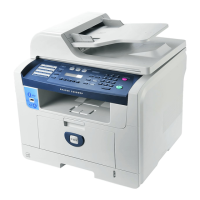
General Procedures and Information
Phaser 3100 MFP 04/08 6-27
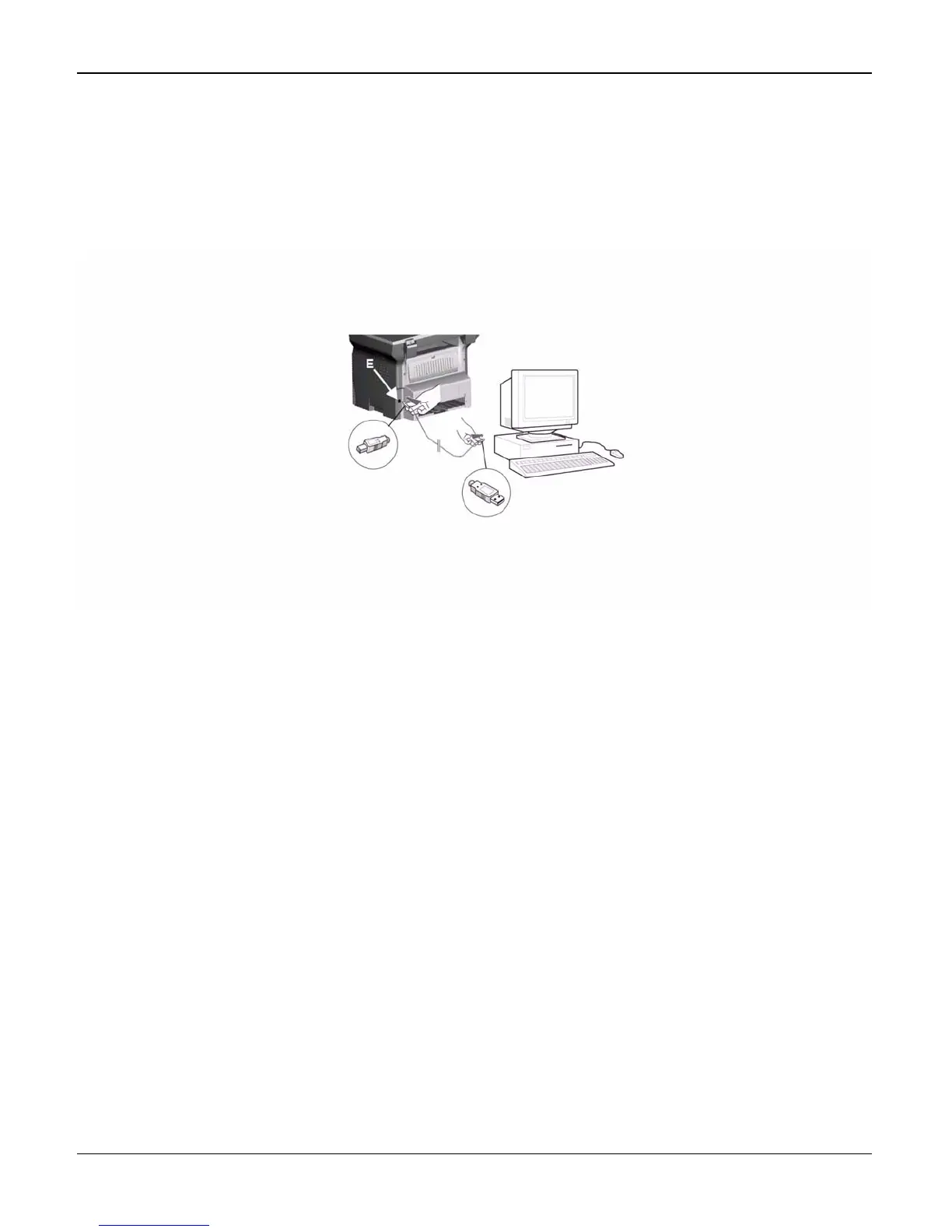
PC Connections Via USB
Note: Before connecting the machine to a PC, the Companion Suite software must be installed
on the PC (Refer to the User Guide booklet for the detailed procedure).
1. Connect the end of the USB cable into the USB slave connector (E) located at the back of the
machine.
Figure 1
2. Connect the other end of the USB cable into a USB port on the PC.
PC Connections Via WLAN
Note: Before connecting the machine to a PC, the WLAN connection and the Companion Suite
software must be installed on the PC (Refer to the User Guide booklet for the detailed
procedure).
1. Plug in the electronic WLAN key into the USB master connector (A) located at the front of the
machine.



 To Next Page
 Loading...