10 / 99 www.xovis.com
3.2.3 Xovis Sensor Explorer
The Xovis Sensor Explorer tool offers a simple way to install and manage Xovis sensors in the
network.
3.2.3.1 Discover sensor on the network
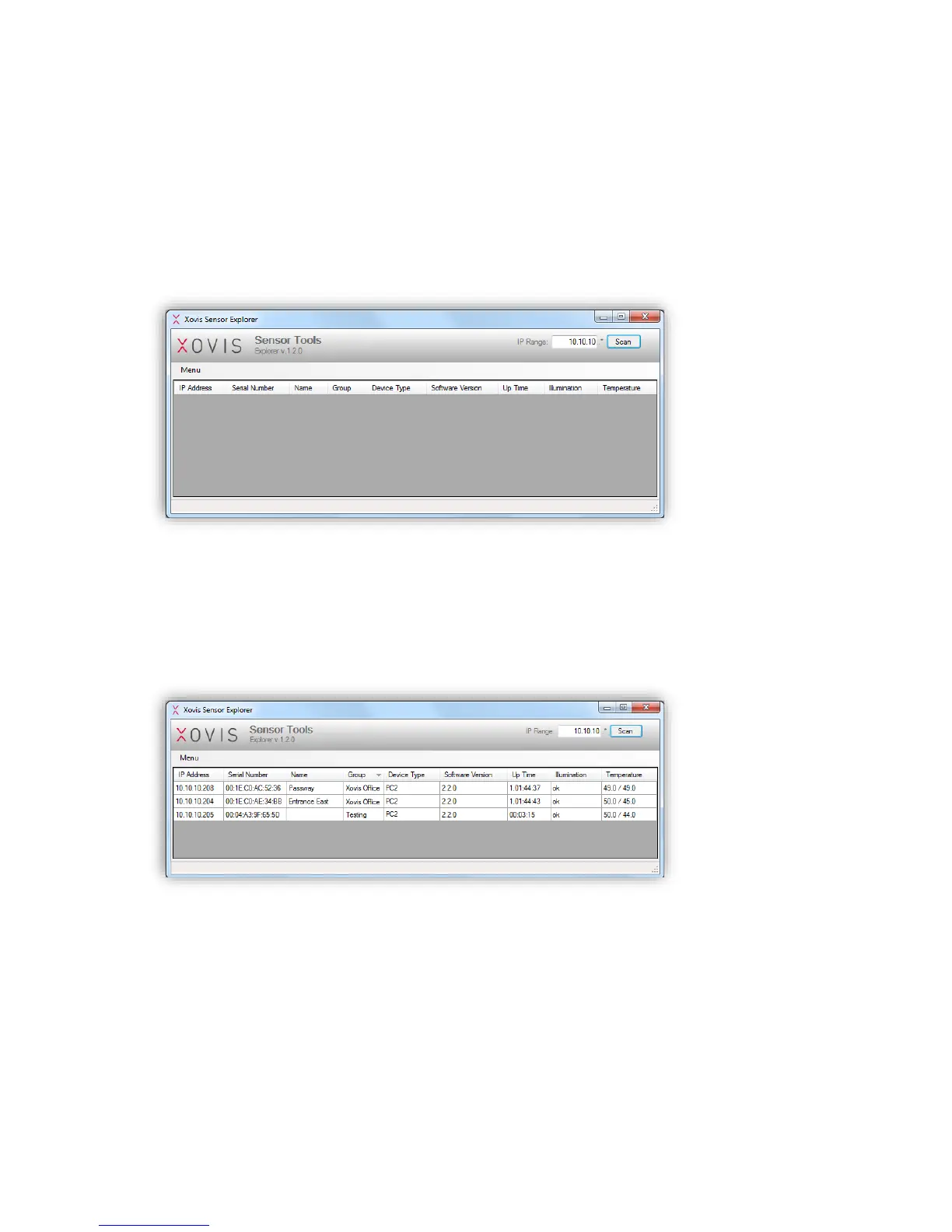
The Xovis Sensor Explorer can be run without installation directly by double-clicking the
XovisSensorExplorer.exe file. The following screen shows up:
Figure 8: Xovis Sensor Explorer
On the top right of the screen, an IP range can be specified. This range will be scanned for
Xovis sensors when clicking on the “Scan” button. Every sensor properly configured in the
specified IP subnet will be discovered and listed in the Xovis Sensor Explorer. Figure 9
shows an example:
Figure 9: Found sensors on the network



 To Next Page