62 / 99 www.xovis.com
3.2.10.2 Scene view
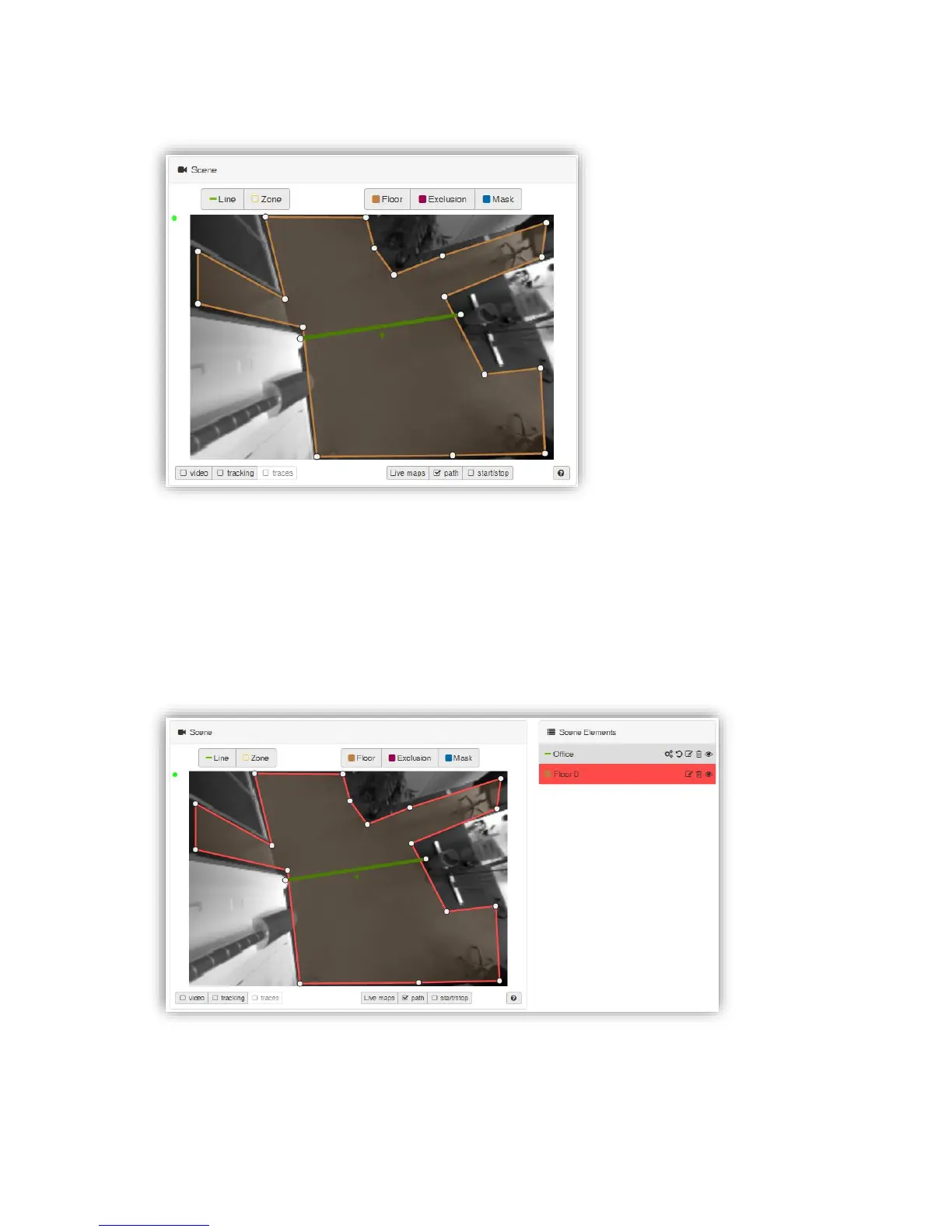
Similar to the “Scene live view” in the live view (see chapter 3.2.8.1) the “Scene” box holds
the live view of the sensors scene. All configured scene elements are overlaid in the scene
image. The monitoring can be controlled by the scene view controls described in chapter
3.2.7.9.3.
When hovering over the count elements within the scene, the element gets hightlighted both
within the scene and within the “counts” list (mentioned in the next chapter). When clicking
on a specific element, it gets marked red both within the scene and within the “counts” list.
The blinking small green dot displayed in the upper left corner of the “Scene” box indicates
an intact connection to the sensor.



 To Next Page