61 / 99 www.xovis.com
For importing a sensor configuration from a configuration file stored locally on the user’s
computer, the user simply can browse for the file by clicking on “Browse…”. After selecting
the desired file, the import is started by clicking on “Import”.
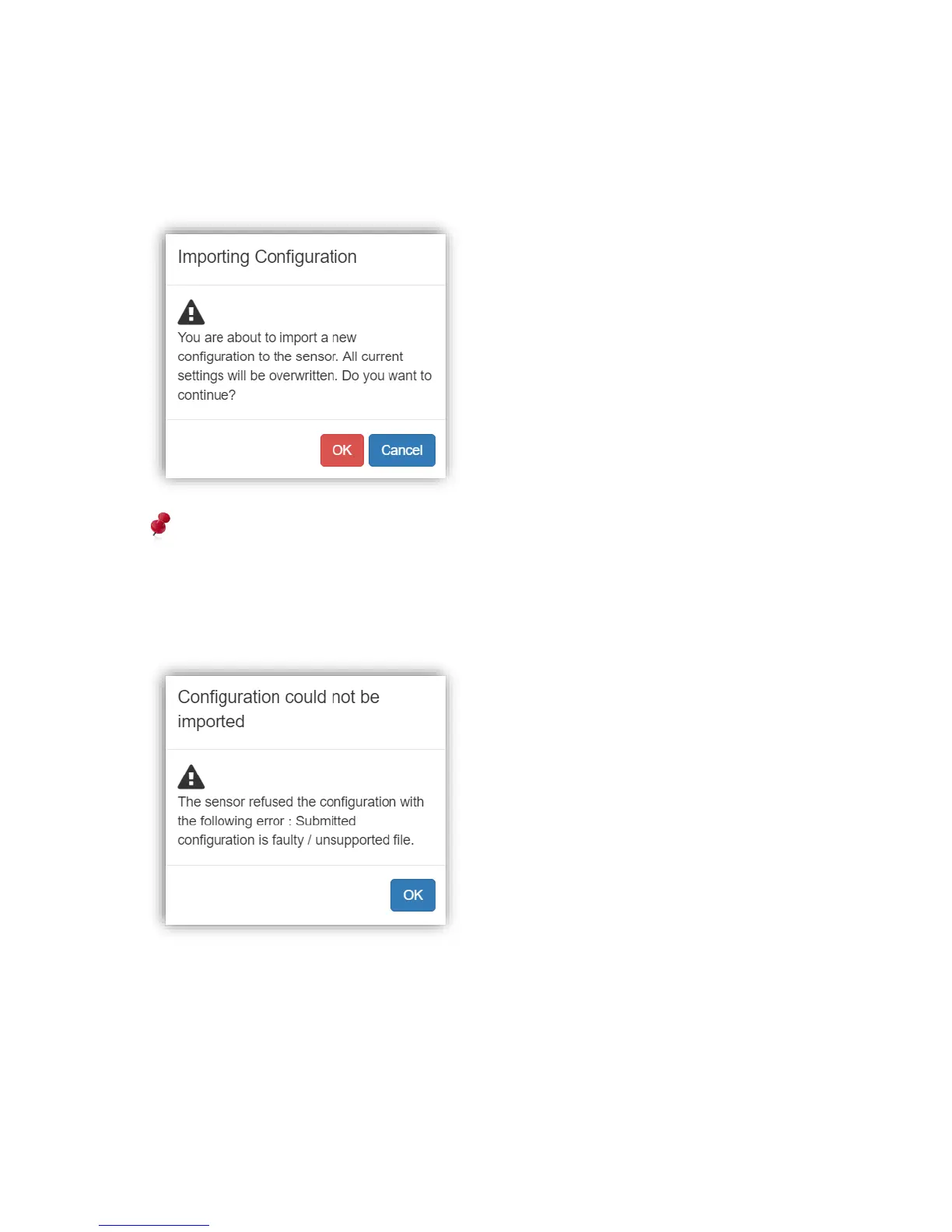
The user then is asked to confirm the import process of the configuration.
Please be aware, that the configuration currently applied to the sensor will be completely
overwritten by the imported configuration.
If the file trying to import is not a valid Xovis PC-sensor configuration file or the configuration
is not applicable to the sensor, the user gets notified by a respective message dialog:



 To Next Page