57 / 99 www.xovis.com
- Heat map
- Average person heights
Please note that the map controlling elements are located on the bottom of the background
image here, other than with the single sensor “visualization maps”.
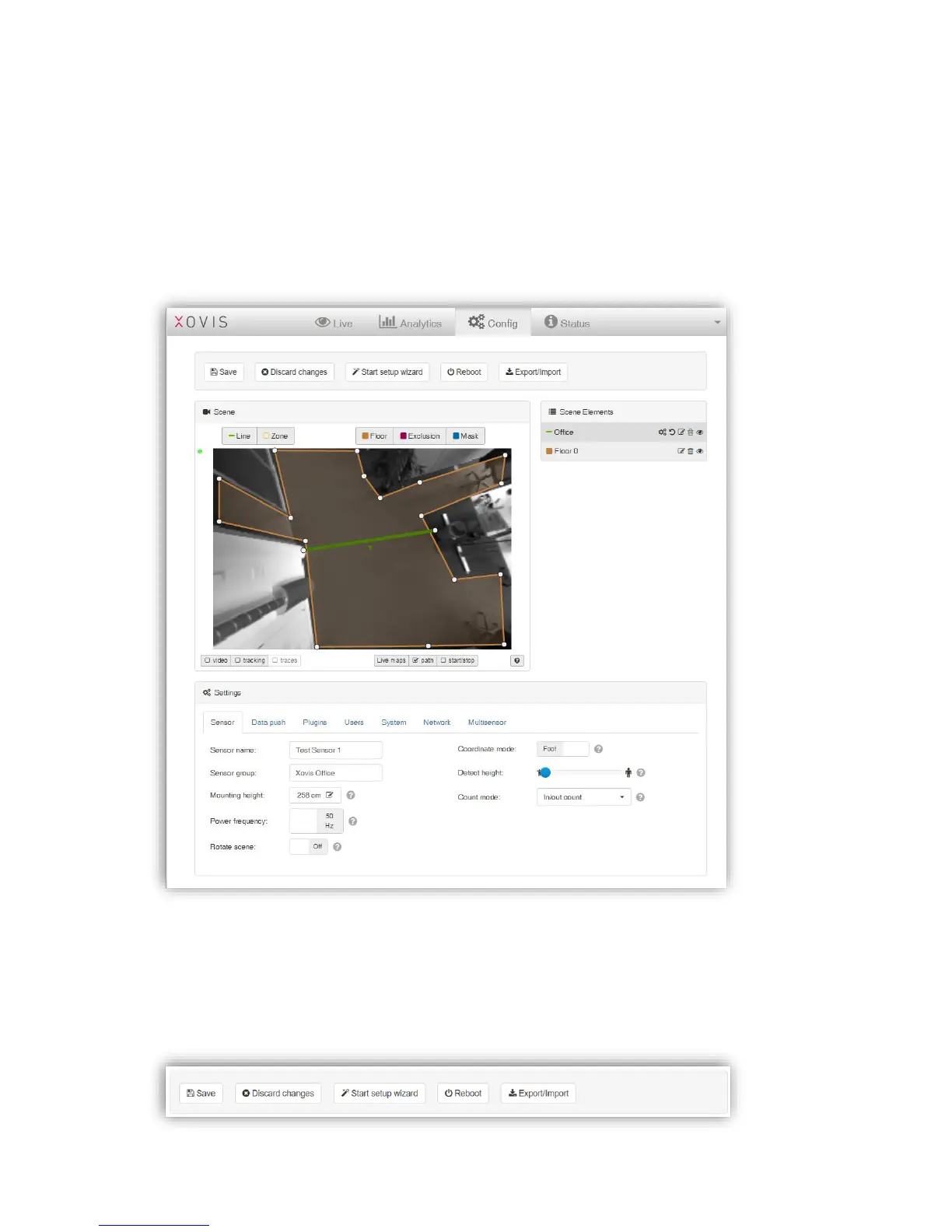
3.2.10 Config View
The config view allows the complete configuration of the sensor. However, it is usually
recommended to configure the sensor using the setup wizard (explained in chapter 3.2.7).
The config view is divided into four parts:
3.2.10.1 Control buttons



 To Next Page