41 / 99 www.xovis.com
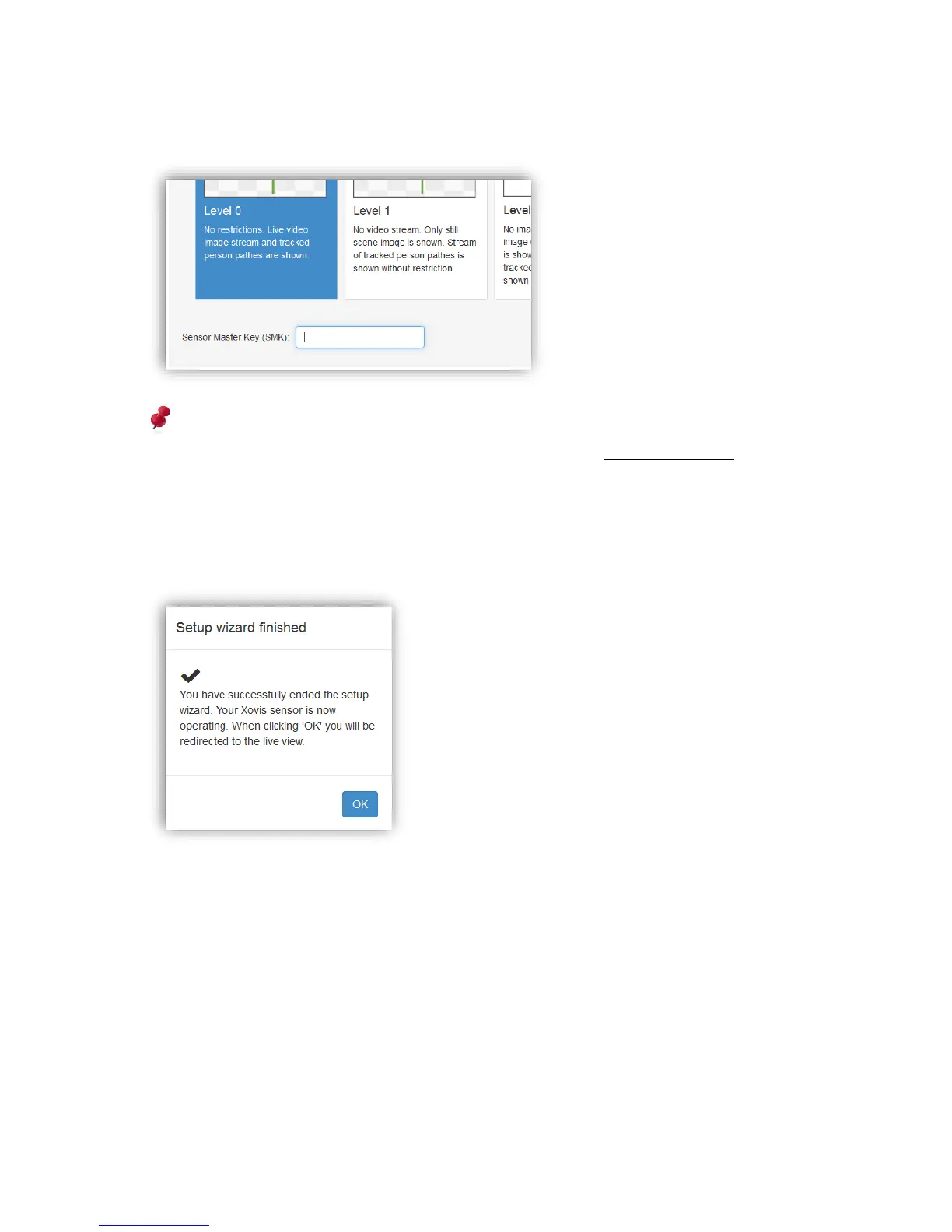
Increasing the privacy mode to a higher level can always be done. However, when lowering
the privacy mode, the Sensor Master Key (SMK) has to be specified:
The Sensor Master Key is unique for every sensor and is provided together with the
corresponding order invoice. Alternatively send a request to support@xovis.com
3.2.7.11 Finishing the wizard
When the privacy mode is set, the wizard will be finished by clicking on “Finish”. After
applying all settings to the sensor, the wizard will end with the following message:
After clicking “OK”, the wizard will be closed and the user is redirected to the live view.



 To Next Page