50 / 99 www.xovis.com
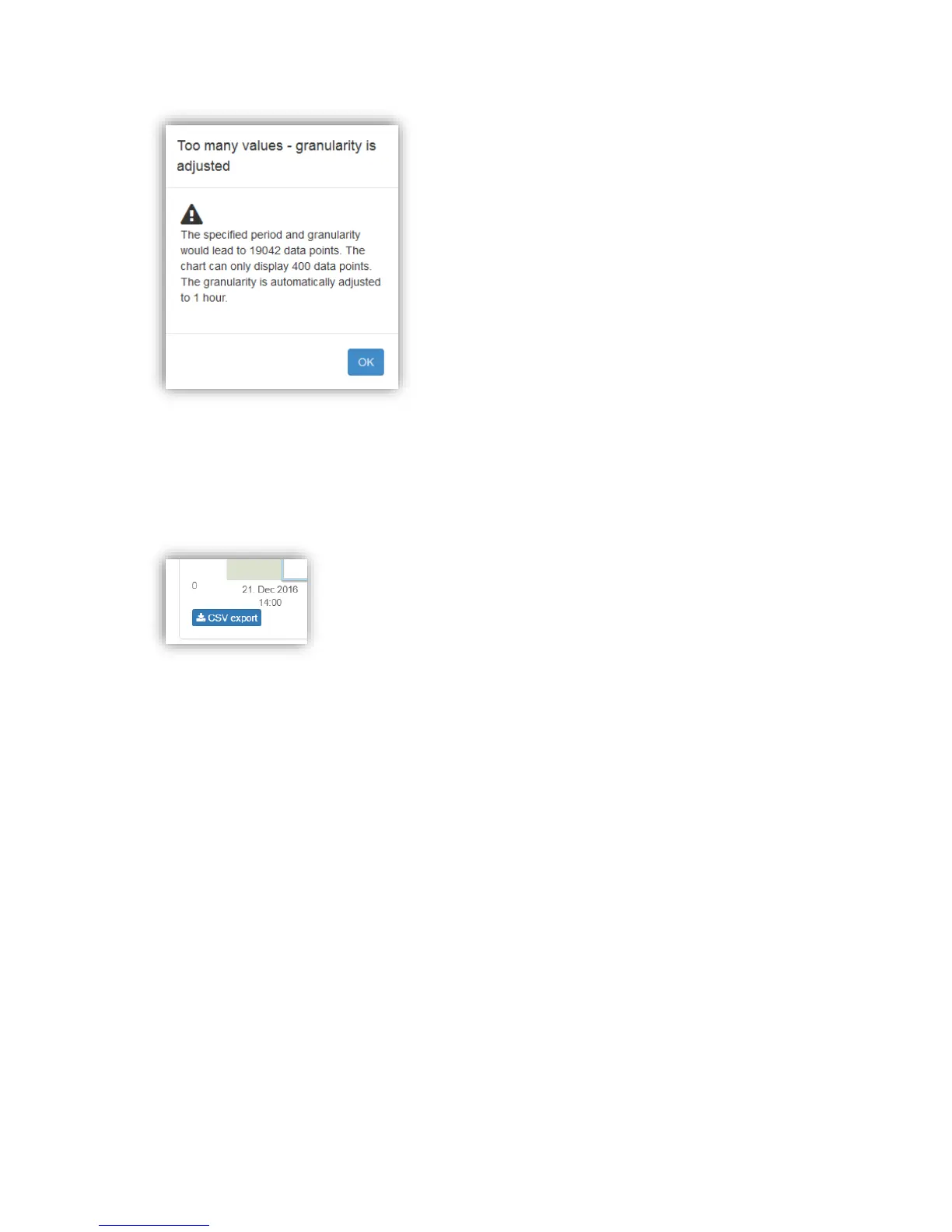
Figure 43: Warning of too many data points
Persisted count line data can be exported to a CSV file by clicking on the “CSV export” button
located all on the bottom of the dialog:
All settings are also applied to the CSV export, e.g. the chosen granularity and period.
3.2.9.1.1. Count zone charts
When displaying the persisted data of a count zone, a tab navigation offers three types of
charts:



 To Next Page