35 / 99 www.xovis.com
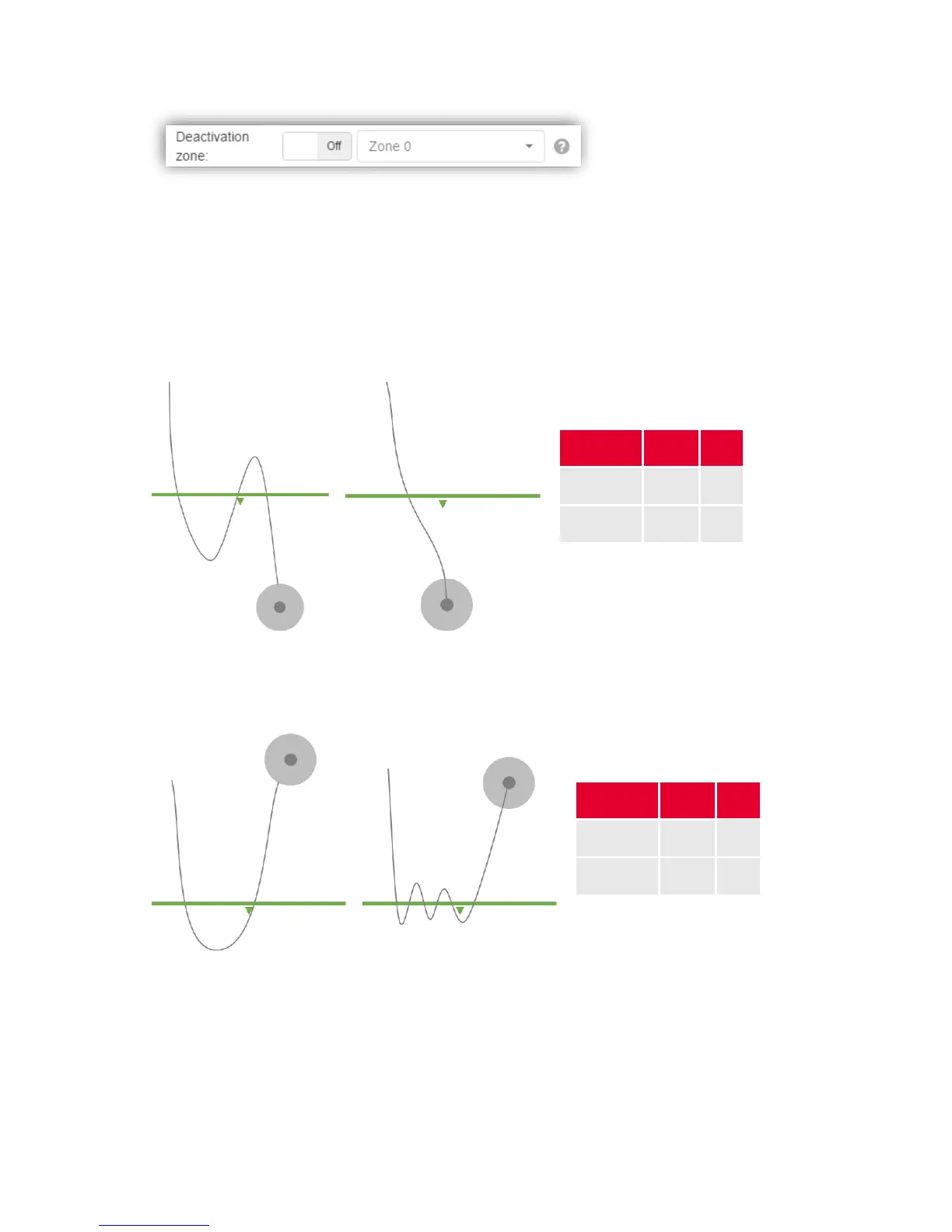
The deactivation is the opposite to an activation zone. If toggled to “On”, the dropdown allows
to define any of the configured count zones as a “deactivation zone”. Whenever a deactivation
zone is associated to a count line, person crossings are only counted on this count line when
the person is neither generated nor deleted within the deactivation zone.
Example situations
In the following, several examples demonstrate the difference between the two count modes
and the effect of an associated activation/deactivation zone:



 To Next Page