26 / 99 www.xovis.com
The “tracking” checkbox controls whether to show a bubble on every tracked person. This
bubble will be located either on the person’s head or feet, depending on the chosen
coordinate mode (see chapter 3.2.7.9.1).
Figure 23: Bubble displayed on tracked person
The “traces” checkbox is only activated when the “tracking” checkbox is selected. If “traces”
is selected, the most recent part of the track of every person within the scene is visualized:
Figure 24: Displayed path of tracked person
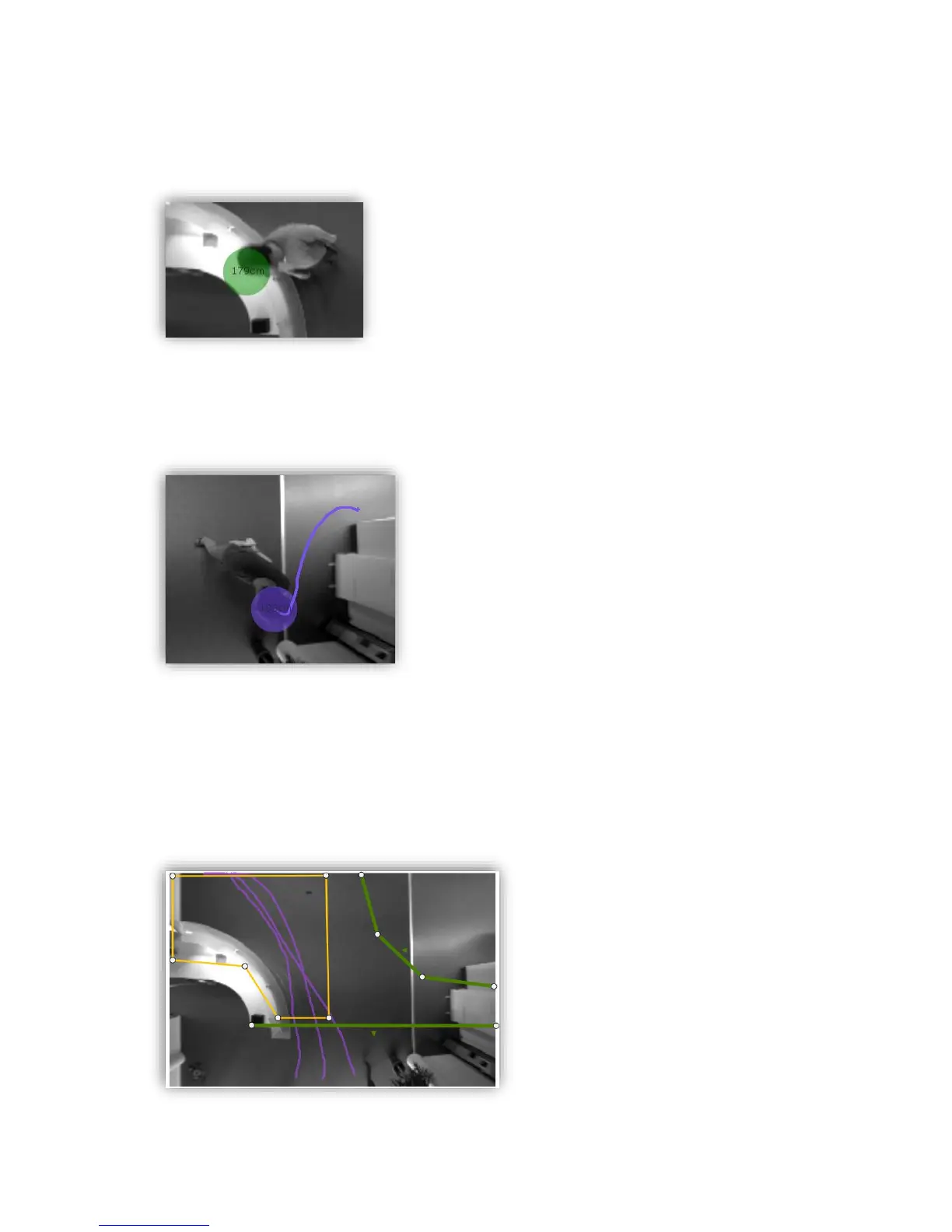
The “Live maps” section allows to show/hide several types of visualization maps: If the
“path” checkbox is selected, the whole tracks of all persons are kept and visualized in the
scene image. This path map can be of great use while drawing the counting elements
properly as the displayed paths help the user to identify the areas where tracking actually
occurs:
Figure 25: Pathmap helps to identify the actual tracking while setting up the counting elements



 To Next Page