32 / 99 www.xovis.com
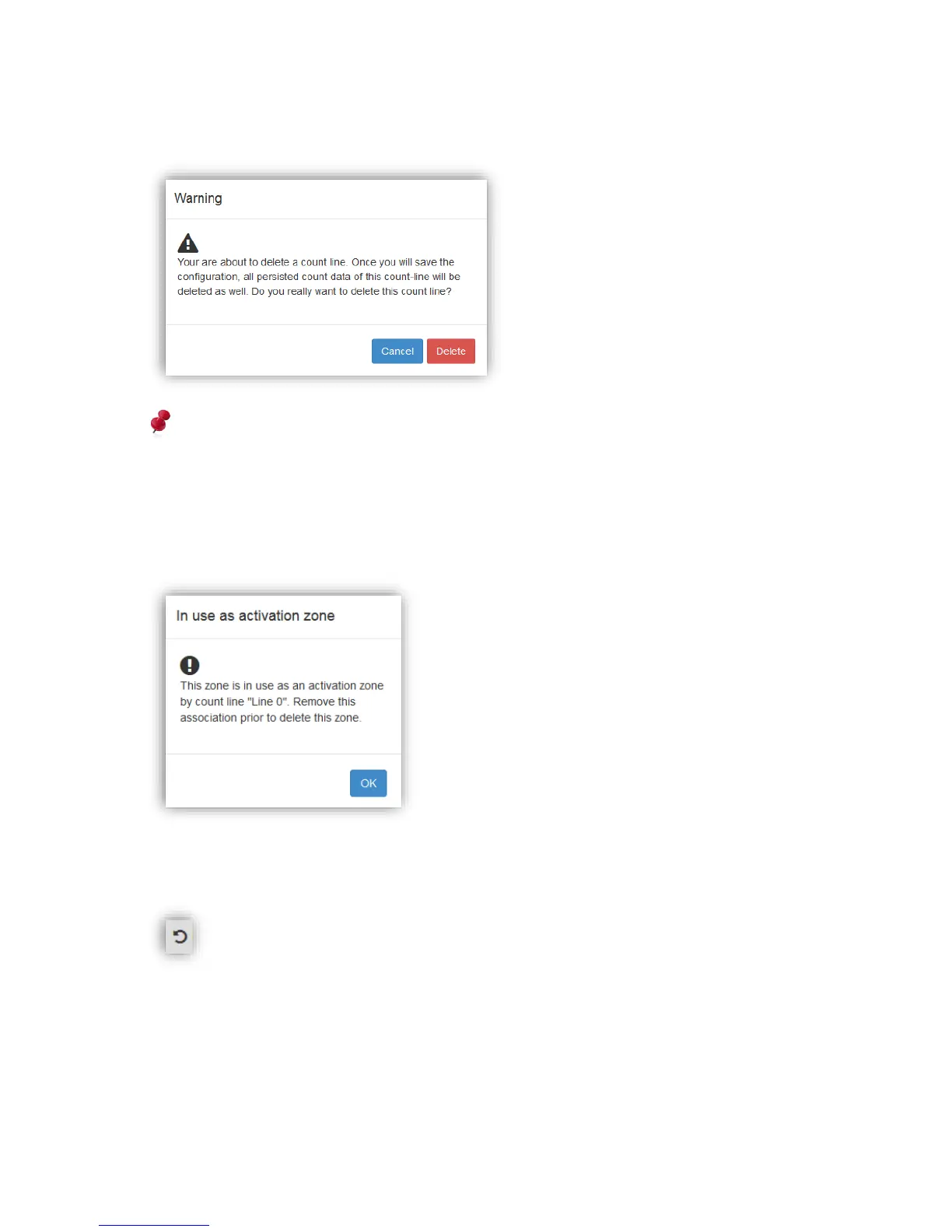
When deleting a count line, a special warning will inform the user that all persisted count
data belonging to this count line will be deleted as well:
Attention: When deleting a count line, all persisted count data of this count line will also be
deleted!
When trying to delete a count zone which is in use as an activation or deactivation zone (more
on this later), a special warning will inform the user that the association has to be removed
prior to be able to delete the count zone:
Switch count line orientation
The count lines offer an additional icon within the scene element list, the rotate icon:
Figure 34: Switch count line orientation
When clicking on this icon, the specific count line switches its orientation. Thereby the arrow
indicating the lines forward direction will appear on the other side of the line, indicating that
the counting direction changed:



 To Next Page