86 / 99 www.xovis.com
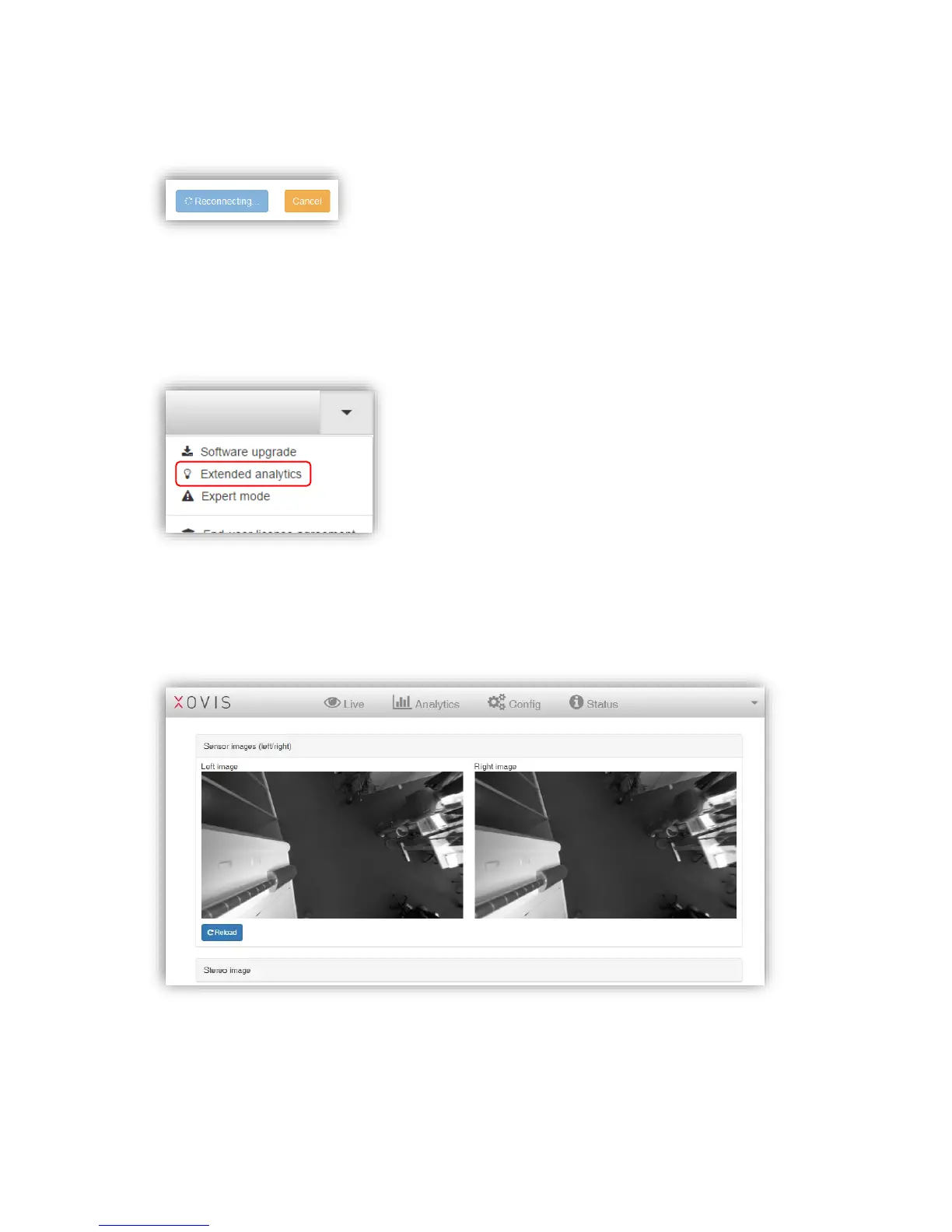
While waiting for the sensor to be online again, the “Reconnect” button will indicate the
reconnection with a rotating spinner icon as shown in Figure 51:
Figure 51: Reconnecting to the web GUI while upgrading
3.2.13 Extended analytics
The extended analytics offers two additional views helping in case of trouble shooting.
“Sensor images (left/right)” shows the grayscale image of both lenses. This can help to
identify dirt and scratches on the lenses. Furthermore, it also helps identifying obstacles
hanging from the ceiling which demand for a mask. Clicking on “Reload” gathers new
images.
The “Stereo image” box shows the actually processed depths image of the sensor. This can
help to verify the scene-calibration: If the floor is not colored blueish or shows a slope in
coloring, this indicates a false calibration.



 To Next Page