85 / 99 www.xovis.com
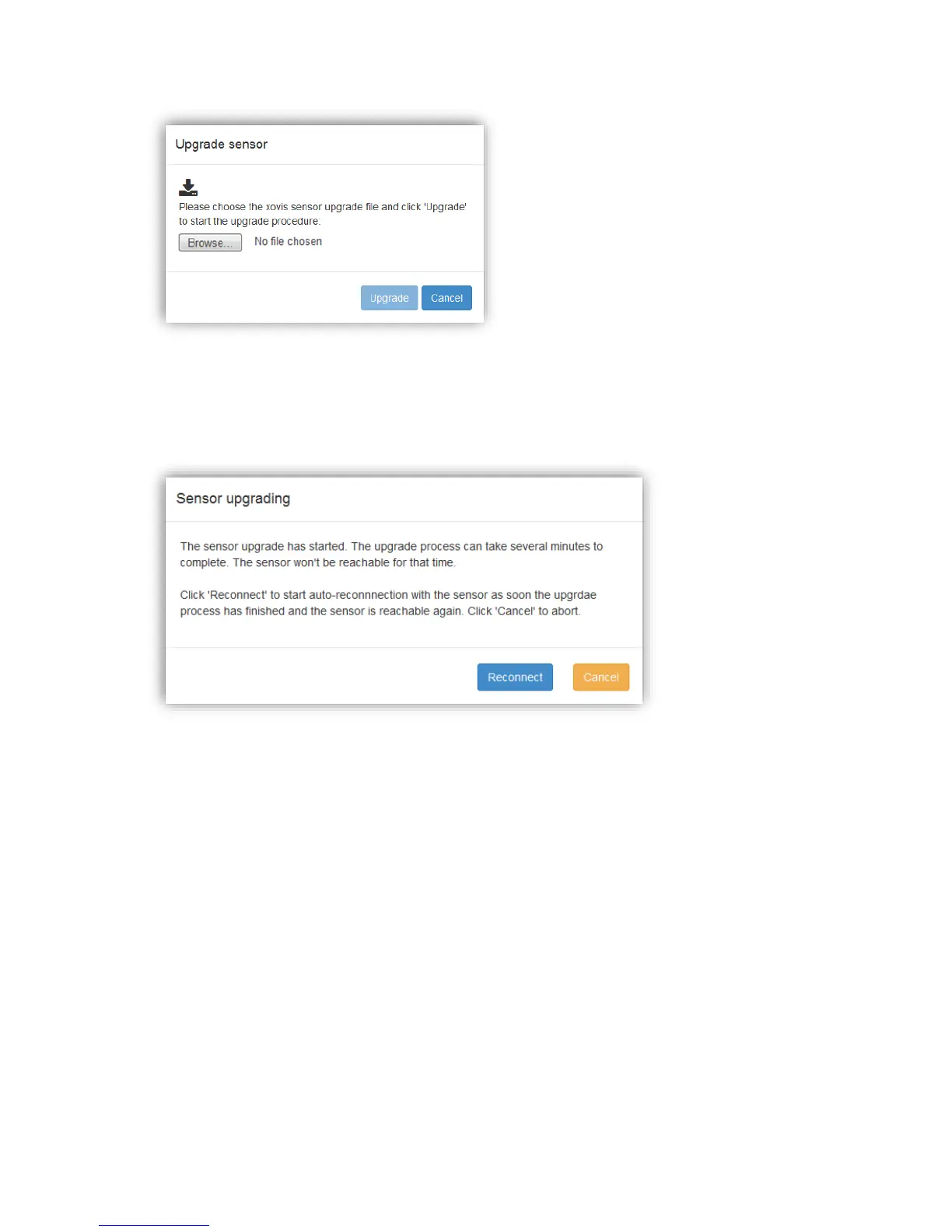
By clicking on the “Browse…” button, the firmware upgrade file can be chosen on the local
file system. The only supported file extension is .xfw. When a valid file is chosen, the
“Upgrade” button will get enabled. Clicking on it will start the upgrade / installation
procedure. The following dialog will be displayed:
By clicking “Reconnect”, the web GUI will automatically poll the sensor to observe when it is
back online and then automatically reconnect the web GUI.



 To Next Page