71 / 99 www.xovis.com
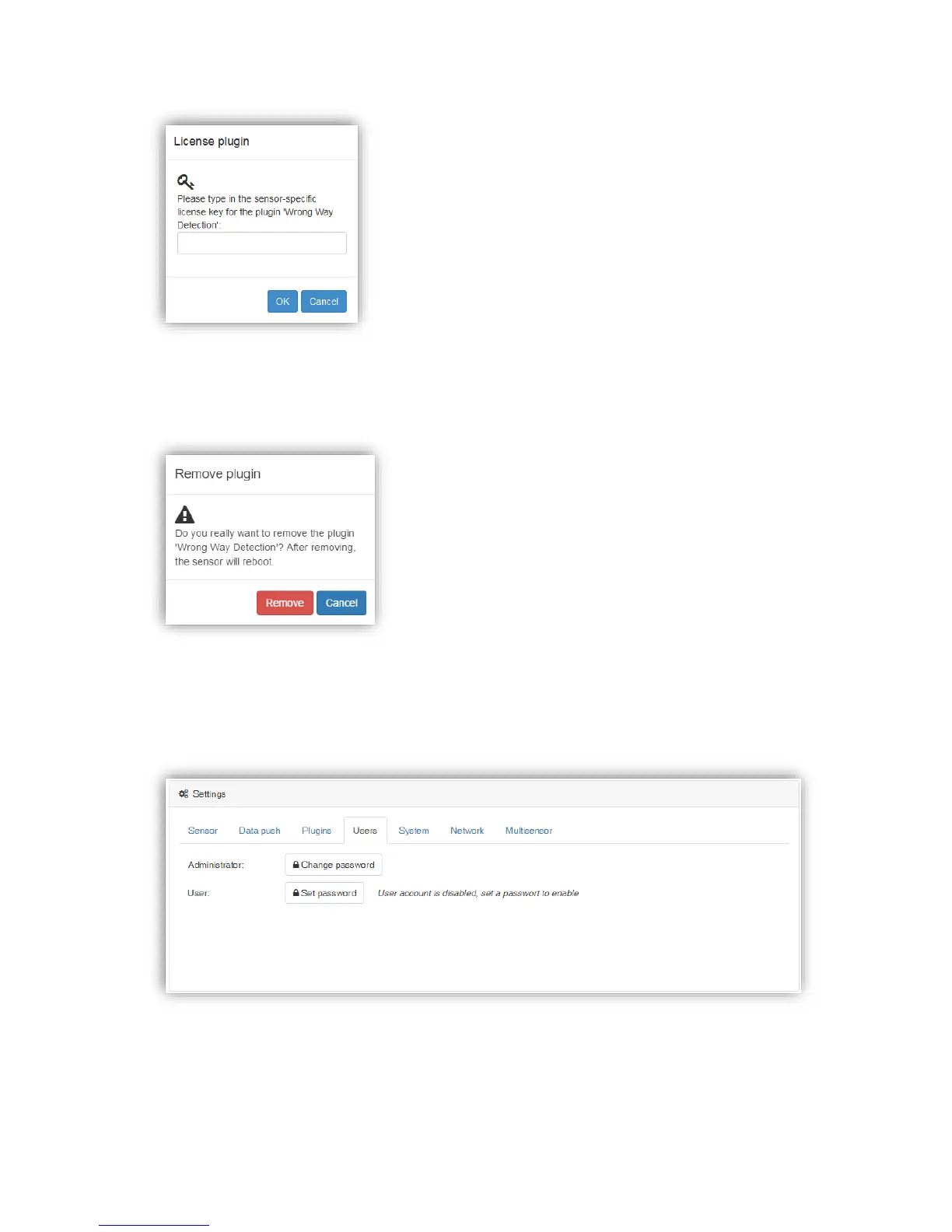
Any non-default plugin can also be removed from the sensor. To do so, the red “Remove”
button needs to be pressed. Before the plugin is removed, the user has to confirm a warning
dialog:
After confirming, the plugin will be removed and the sensor will reboot.
3.2.10.4.4. Users
The “Users” section allows to manage the users:
The PC2 sensor offers an Administrator and a User account. The User account is disabled by
default and can be enabled by specifying a password for this user. When the user account is
enabled, the decision to login with one of the two accounts is only based on the password
entered in the login screen. For the case that both accounts, the Administrator and the User,
use the same password, the Administrator user will be logged in.



 To Next Page