34 / 99 www.xovis.com
Line name
The first text field allows to change the name of the count line:
Count Mode
The dropdown menu located just below, allows to specify the count mode of this count line:
The count mode defines the strategy how line crossings of a person shall be processed. Two
different count modes are available:
In/out count: The first crossing of a person is updated immediately. When the person
exits where entered, this count will be updated as well as soon the person gets
deleted. This mode is activated by default.
Late count: Every person’s line crossings are first evaluated and counted when he
leaves the scene. Forward and backward counts of a single person on the same line
thereby cancel out each other. That way, multiple counting of one and the same
person which moves continuously forward and backward in the region of the count
line is ignored. This is the preferred mode to get exact counting per person with the
limitation of possible delayed counter updates due to the fact that the counters are
first updated when a person leaves the scene.
Activation zone
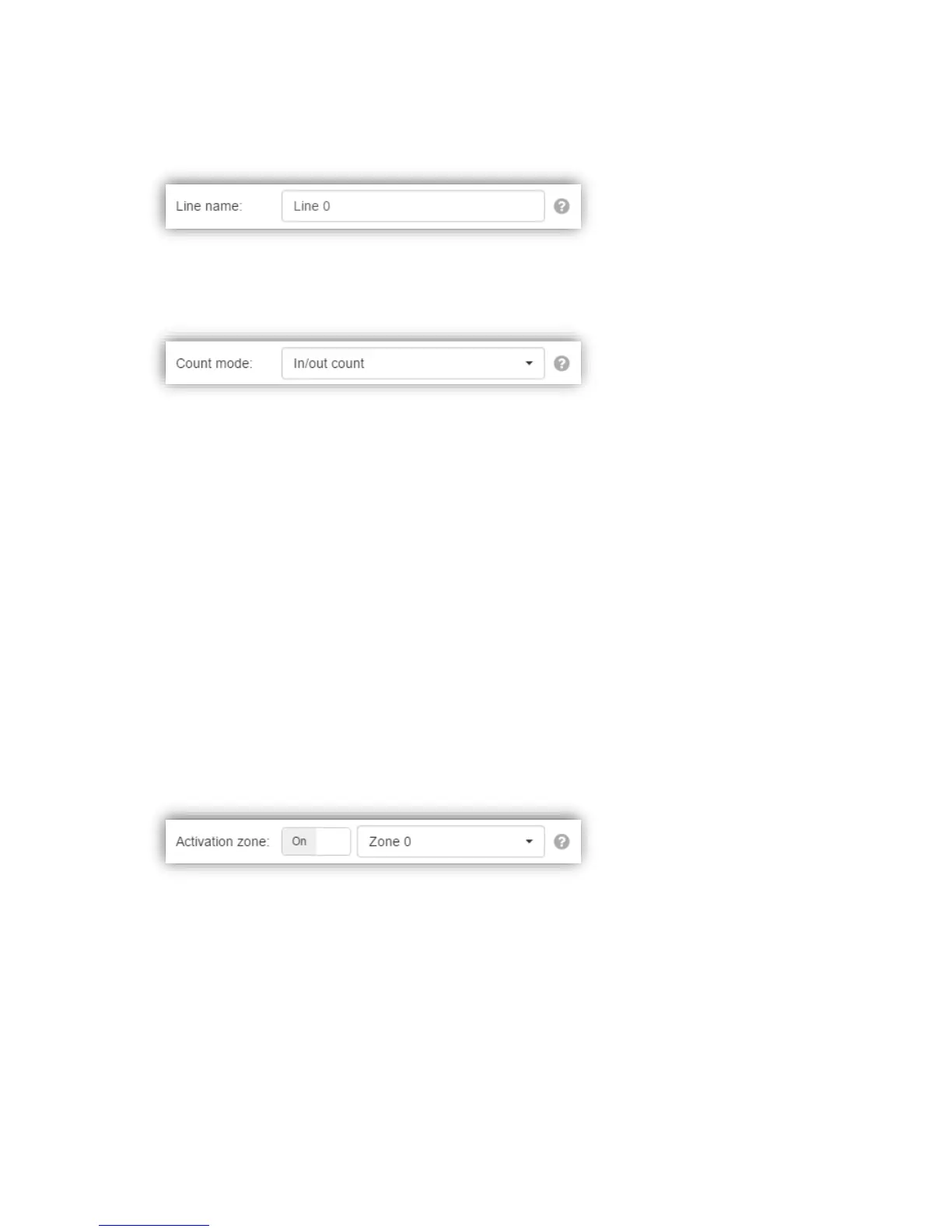
The activation zone toggle allows to enable the use of any zone as an activation zone for this
count line:
If toggled to “On”, the dropdown allows to define any of the configured count zones as an
“activation zone”. Whenever an activation zone is associated to a count line, person crossings
are only counted on this count line when the person is either generated or deleted within the
activation zone.
Deactivation zone
The deactivation zone toggle allows to enable the use of any zone as a deactivation zone for
this count line:



 To Next Page