66 / 99 www.xovis.com
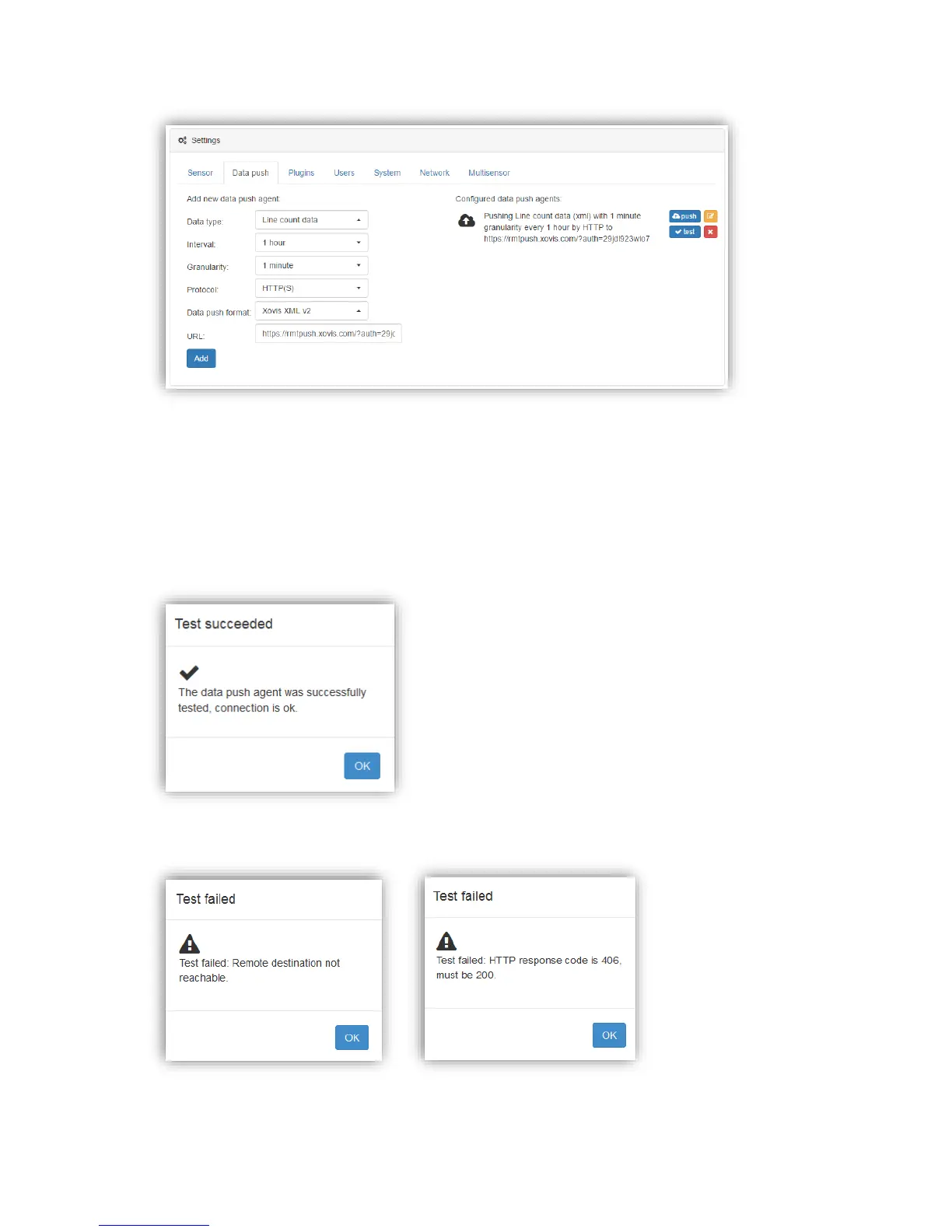
Figure 47: Example configuration for pushing count data to remote destination
This setup will push count data of 1 minute granularity every hour to rmtpush.xovis.com with
a custom URL parameter “auth”.
The “test” button allows to instantaneously test the connectivity to the remote destination.
When clicking on it, the sensor tries to send a sample message to the specified destination.
The status is the shown to the user in the Web GUI:
If testing fails, the error is added to the status message to support the debugging procedure:



 To Next Page