83 / 99 www.xovis.com
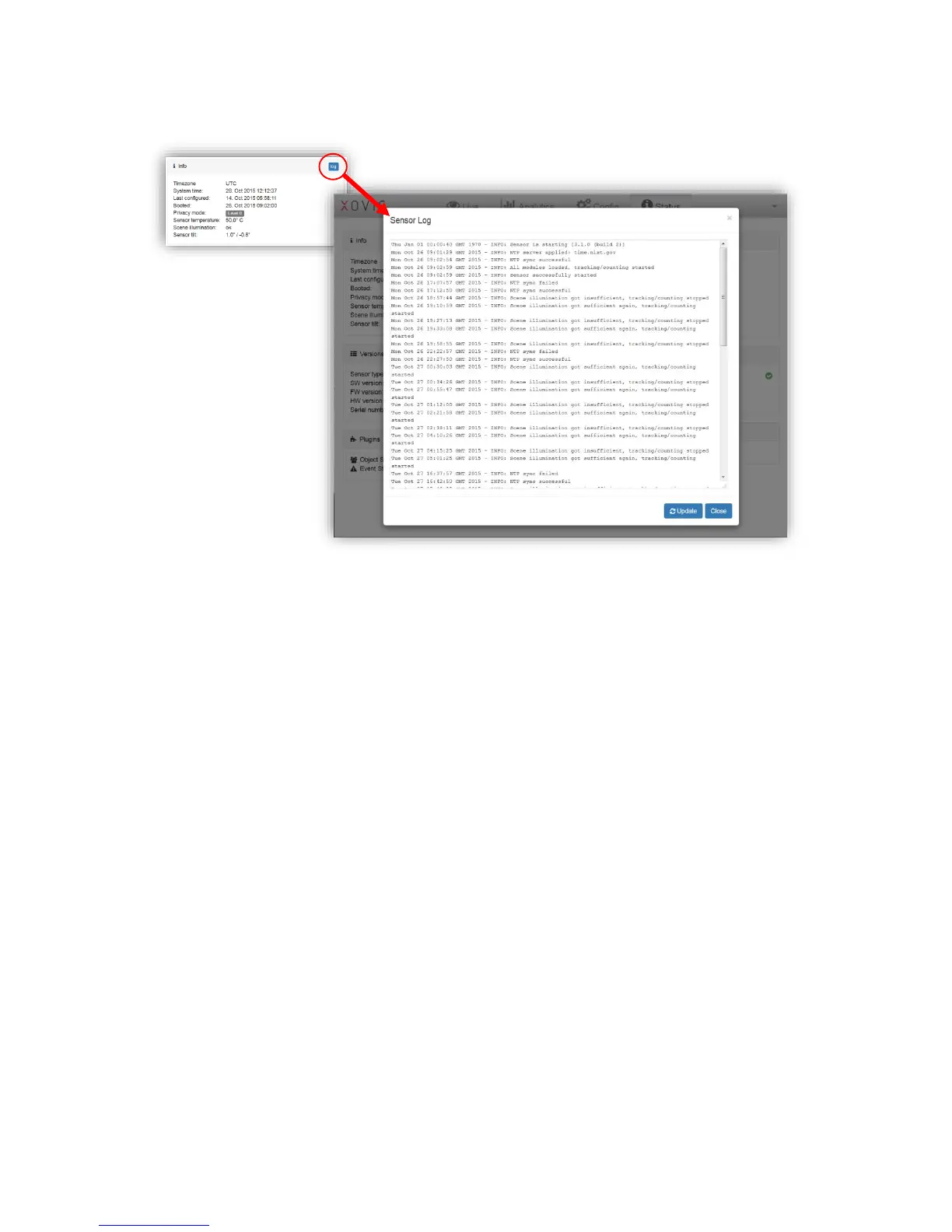
The “log”-button on the upper right corner of the Info box opens the detailed log view:
The log holds details about:
- Boot process
- NTP connectivity
- Push agent connectivity
- Scene illumination
- Configuration change
- Sensor reset
- Software upgrade
The log file size is limited to 200 KB. When reaching this limit, the log is automatically
rotated, i.e. the oldest entries are removed when new ones are added.
3.2.11.2 Data retention
The “Data retention” box informs about the amount of days that are stored on the sensor.
The sensor can store up to 122 full days for count lines and up to 61 full days for count zones.
This number of days is shared between the configured count items of each type (lines,
zones). For example, when using just one count line, the count values of this line will be
stored for 122 days. When using 2 count lines, both line values are stored for 61 days and so
on.
The date stated after “since” represents the oldest data available on the sensor for this count
item.
3.2.11.3 Version
The “Version” box holds a series of version information of the sensor:



 To Next Page