46 / 99 www.xovis.com
3.2.8.4.1. Schedule a recording
With the two date fields “Start” and “End”, a validation recording can be scheduled to a
specific period, starting now or in the future. When clicking “Schedule recording”, the
scheduling is stored. As soon the start time of the scheduling is reached, the sensor will
start to record the validation data. The recording is automatically stopped when reaching the
end time.
As the scheduling is always based on the sensors time which does not need to be the same
as the local time of the user’s computer currently configuring the sensor, the sensors time is
shown directly above the schedule items and is automatically refreshed periodically. By
clicking the “refresh”-icon (arrows in a circle) the scheduling start time is immediately
updated to the latest sensor time and the end time will hold the start time value plus 1
minute. This can be helpful to quickly start a short validation recording, i.e. if an interesting
situation seems to happen right that moment.
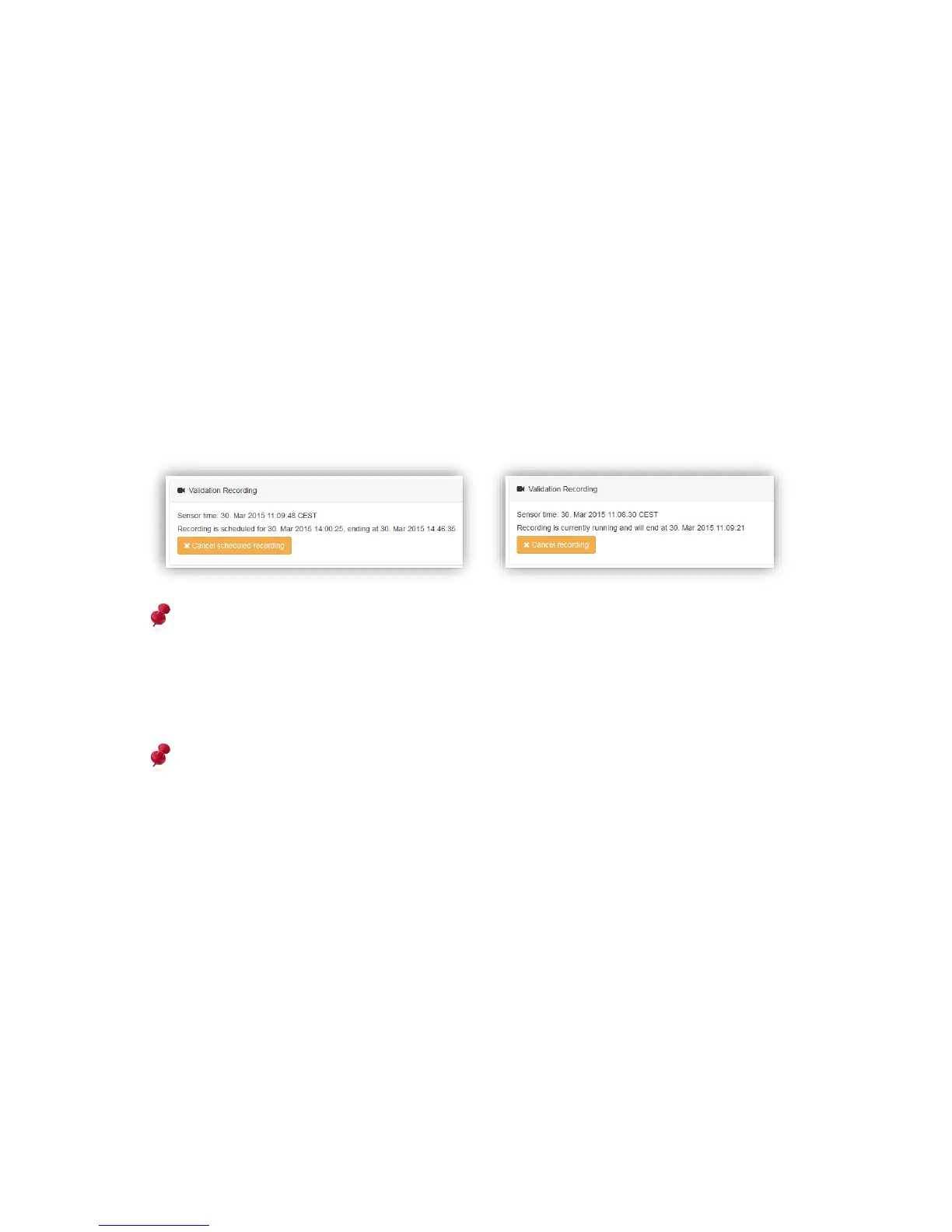
Whenever a recording is scheduled or running, the state is presented accordingly:
The sensor can store recordings of around 40 minutes. When exceeding this limit, the
oldest recording sequence will automatically be removed while storing a new one. A
recording is split into several sequences of 5MB. Using the data push functionality,
recorded sequences can be stored on a remote destination (FTP) allowing recordings of
any length.
A configuration change of any count line will not stop a pre-scheduled validation
recording, even though it is already ongoing. By saving a new configuration the sensor
stops a currently running recording and starts a new one immediately after completion of
the saving process.



 To Next Page