87 / 99 www.xovis.com
It is then recommended to perform a recalibration of the sensor (either re-start the setup
wizard or use the “shortcut” by clicking on the “mounting height” in the “Settings” part of the
“Config” view).
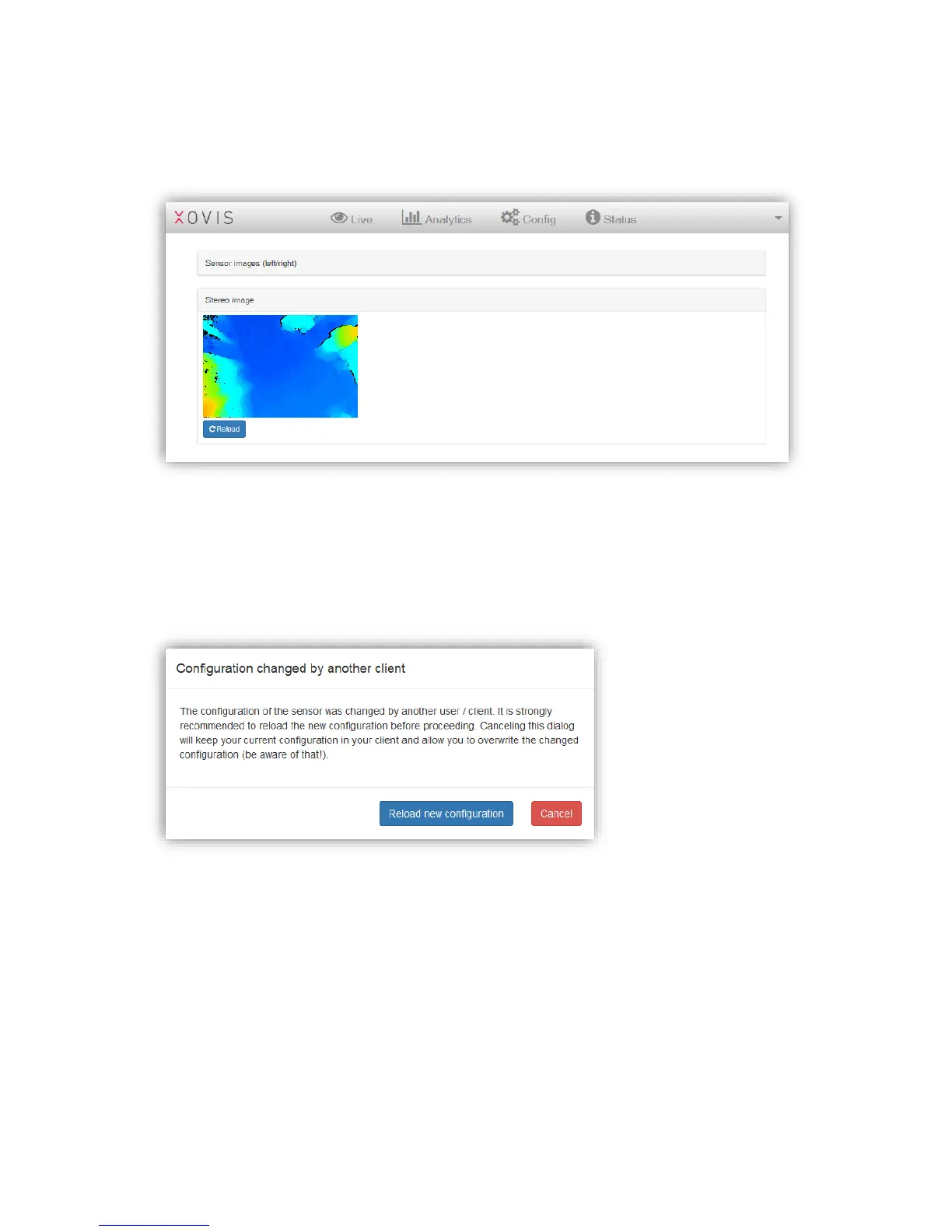
3.2.14 Configuration changes from another client
Whenever the sensors configuration gets changed by another client, i.e. when more than one
user is working on the sensor configuration at the same time, the web GUI will inform the
user about changes made by another client with the following dialog:
It is recommended to reload the new configuration to be up to date with the latest sensor
configuration. This can be done by just clicking on “Reload new configuration” in the dialog.



 To Next Page