75 / 99 www.xovis.com
3.2.10.4.7. Multisensor
This section allows to configure the multisensor feature. A multisensor today can consist of
up to 9 sensors.
Attention: Make sure that before starting the multisensor configuration each involved
sensor is already configured as single sensor.
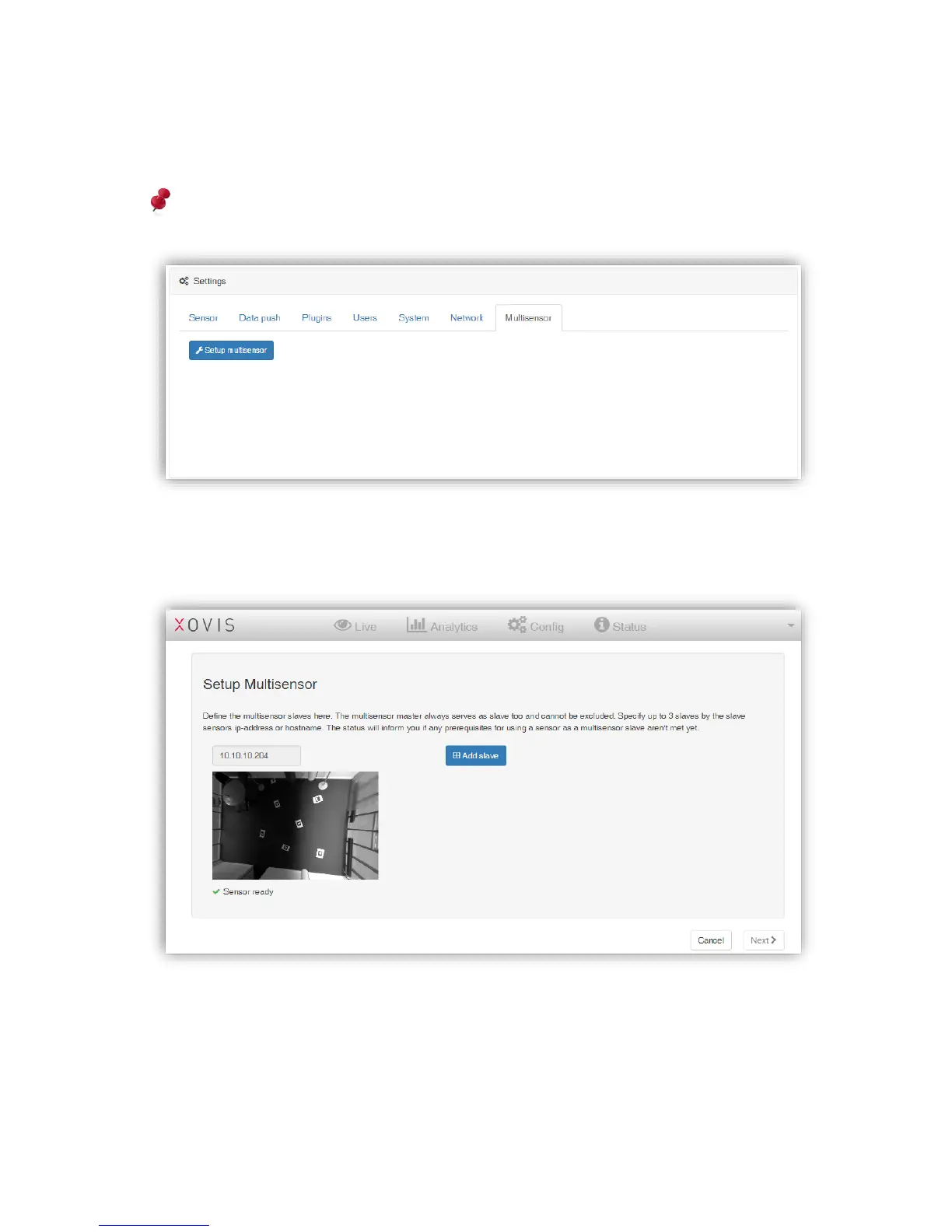
With a click on the “Setup multisensor” button the dedicated configuration wizard will start.
In the first screen all involved single sensors can now be added to the multisensor. The
device the multisensor master is running on will always be included here.
Add a sensor by clicking “Add slave” and specify its IP. When leaving the IP field, the wizard
will try to connect to the slave sensor and check, if the slave is ready to become part of a
multisensor.



 To Next Page