3.2.11.4 Connectivity
The “Connectivity” box shows the state of outgoing connections (NTP server, all configured
data push agents and the remote management server, if set). For every connection the
number of successful and failed tries is shown. The icon on the right of each connection
indicates, if the latest try succeeded or not (green check if succeeded, red alert if not).
3.2.11.5 Plugins
In the “Plugins” box, all plugins currently activated on the sensor are listed. The license state
as well as the running state (enabled / disabled) are shown.
3.2.11.6 Multisensor
The “Multisensor” box shows the status of the multisensor and the status of each single
sensor with its IP address connected in the multisensor array.
3.2.12 Firmware upgrade
The sensor allows to easily upgrade its software / firmware. The installation of firmware
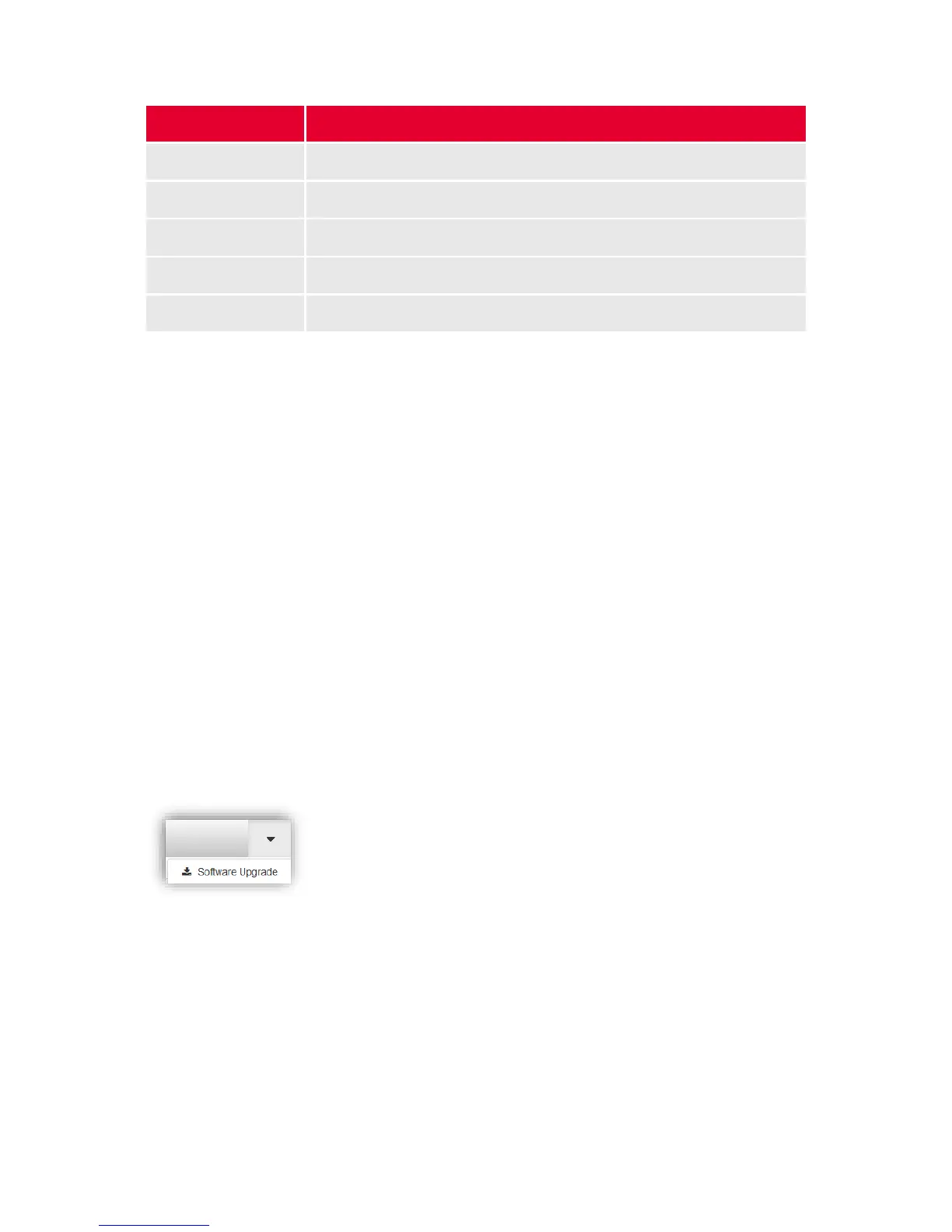
upgrades can be done by clicking on the “Software Upgrade” menu entry in the context menu
(see chapter 3.2.6):
The following dialog appears:



 To Next Page