33 / 99 www.xovis.com
Count item configuration
The count lines and count zones offer an additional icon within the scene element list, the
gear-wheel icon:
Figure 35: Open count item configuration
When clicking on this icon, a dialog is displayed allowing the user to control a series of
parameters associated with this count item. These parameters are explained in the following
two chapters, Count line configuration and Count zone configuration.
3.2.7.9.7. Count line configuration
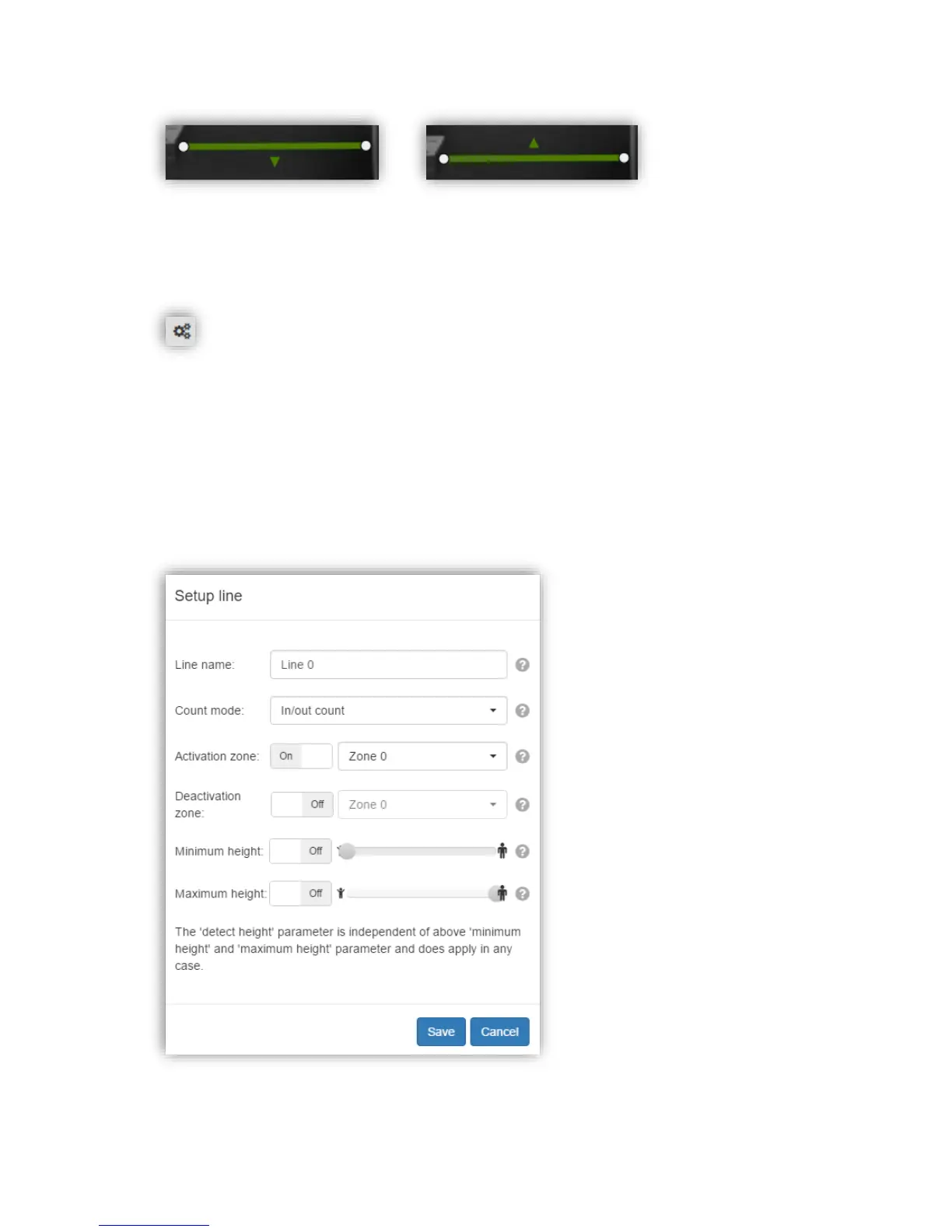
The count line configuration displays the following dialog:
Figure 36: Count line configuration



 To Next Page