17 / 99 www.xovis.com
3.2.7 Setup Wizard
As long as the sensor is not configured, the setup wizard will be shown directly after logging-
in.
It is strongly recommended to use the setup wizard for setting up the sensor as the wizard
ensures to gather all information needed for a proper usage of the sensor.
3.2.7.1 Welcome screen
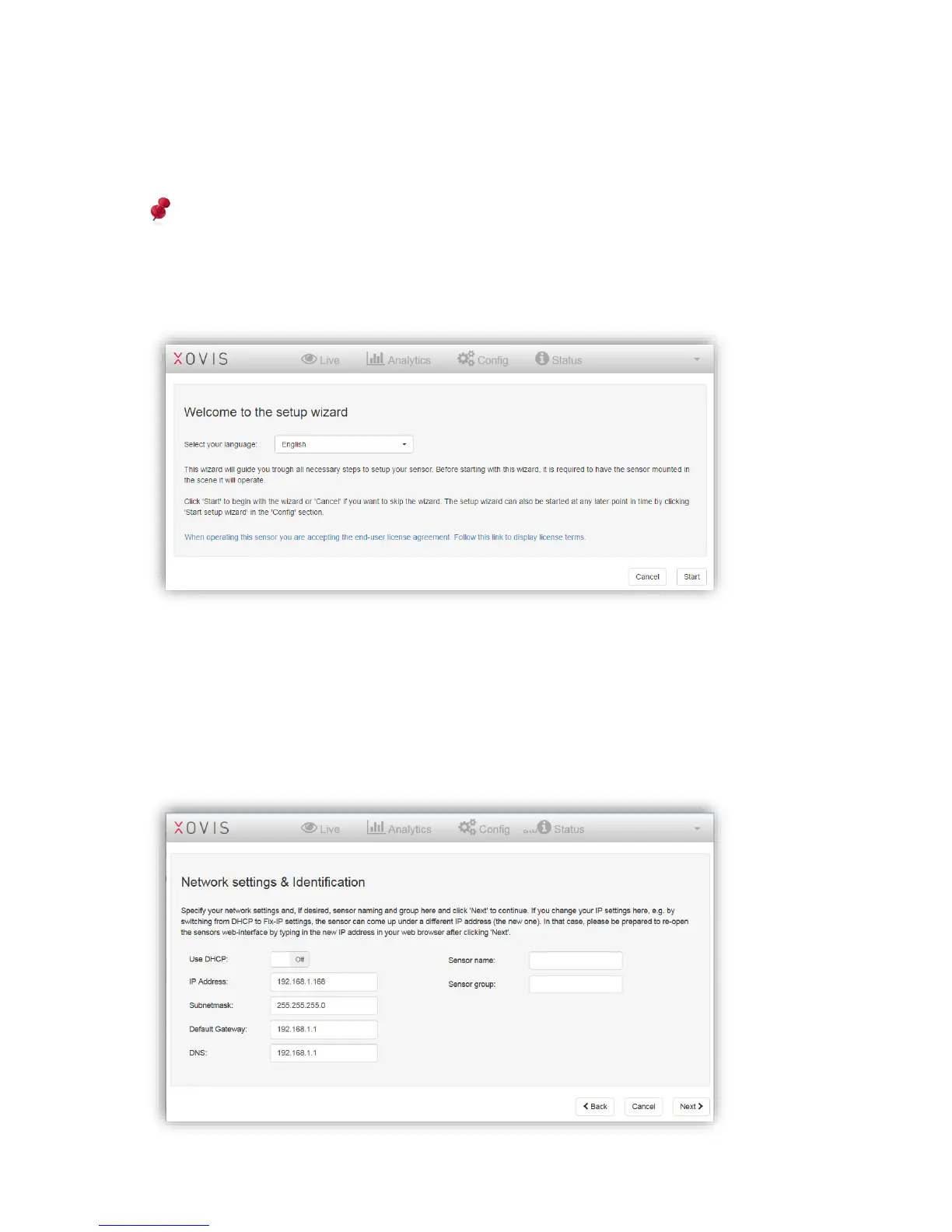
Figure 18: Setup wizard
The welcome screen of the wizard gives a quick description of the intent of the wizard and
allows the user to choose the desired GUI language. The wizard can be started by clicking
“Start”. At any step of the wizard, it can be ended by clicking “Cancel”. The setup wizard can
be re-started anytime in the config view (see chapter 3.2.10.1.3).
3.2.7.2 Network settings & Identification



 To Next Page