Yuneec Electric Aviation
H520 Start Guide
15
DataPilot™
D
ATA
P
ILOT
™
I
NITIAL
S
TARTUP
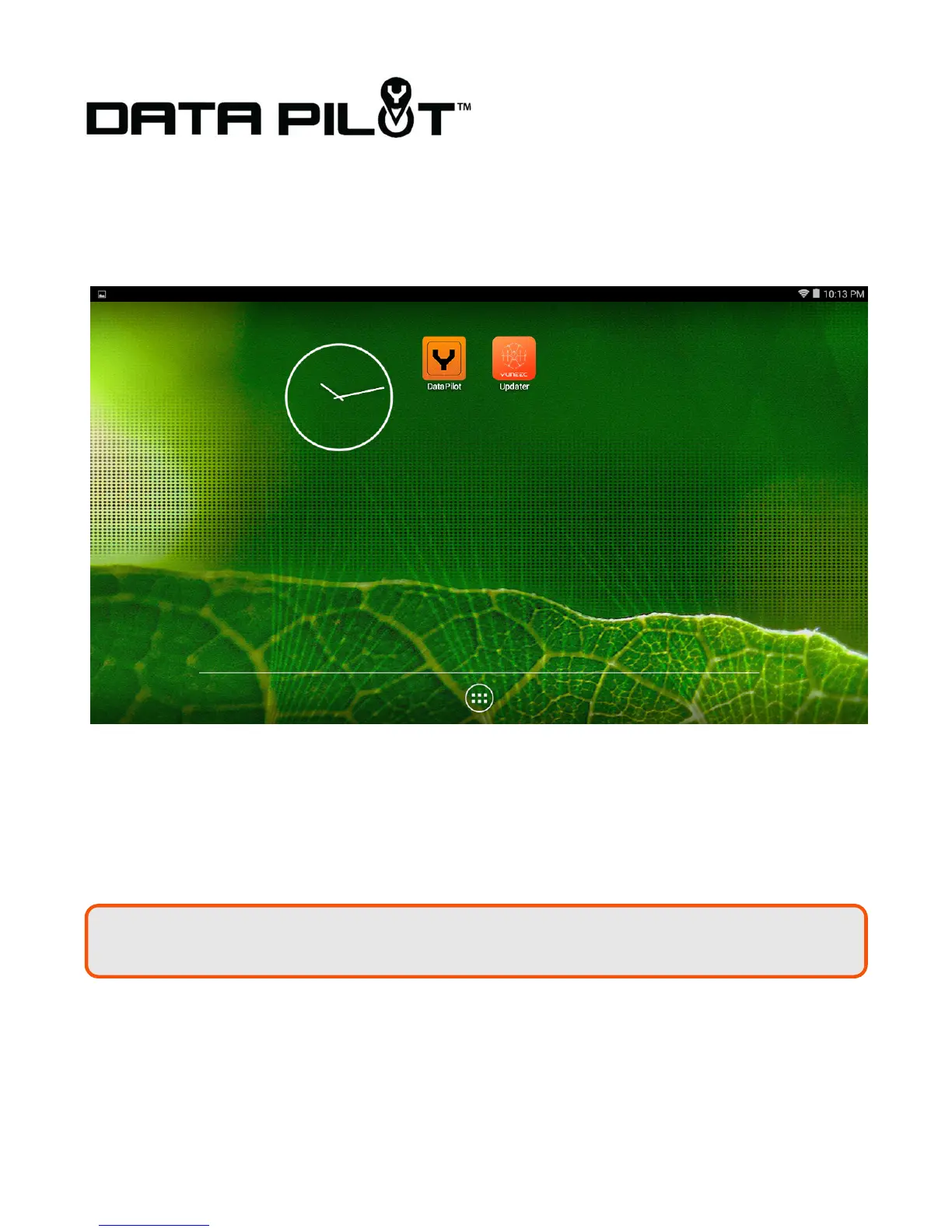
Power on the ST16S using the slider switch on the lower right of the ST16S case. Tap the WiFi icon button
on the top right corner of the DataPilot™ screen. Tap the Link Management button under the WiFi
icon. Select the camera attached to the H520 (e.g. E90_123456). If required, the default password is
1234567890.
Once the H520 is connected the ST16S will announce “Auto-Position Flight Mode” (ensure the ST16S
volume is turned up via the – and + buttons on the bottom of the ST16S).
After the H520 fully connects to the ST16S, the application will announce “Auto-Position Flight Mode” and
the top title bar will display “Angle” or “Manual” in the flight mode menu, depending on the current position
of switch S4 (top right switch on ST16S).
Note:
The first launch of the application will require a software update prior to the first flight.



 To Next Page