Yuneec Electric Aviation
H520 Start Guide
44
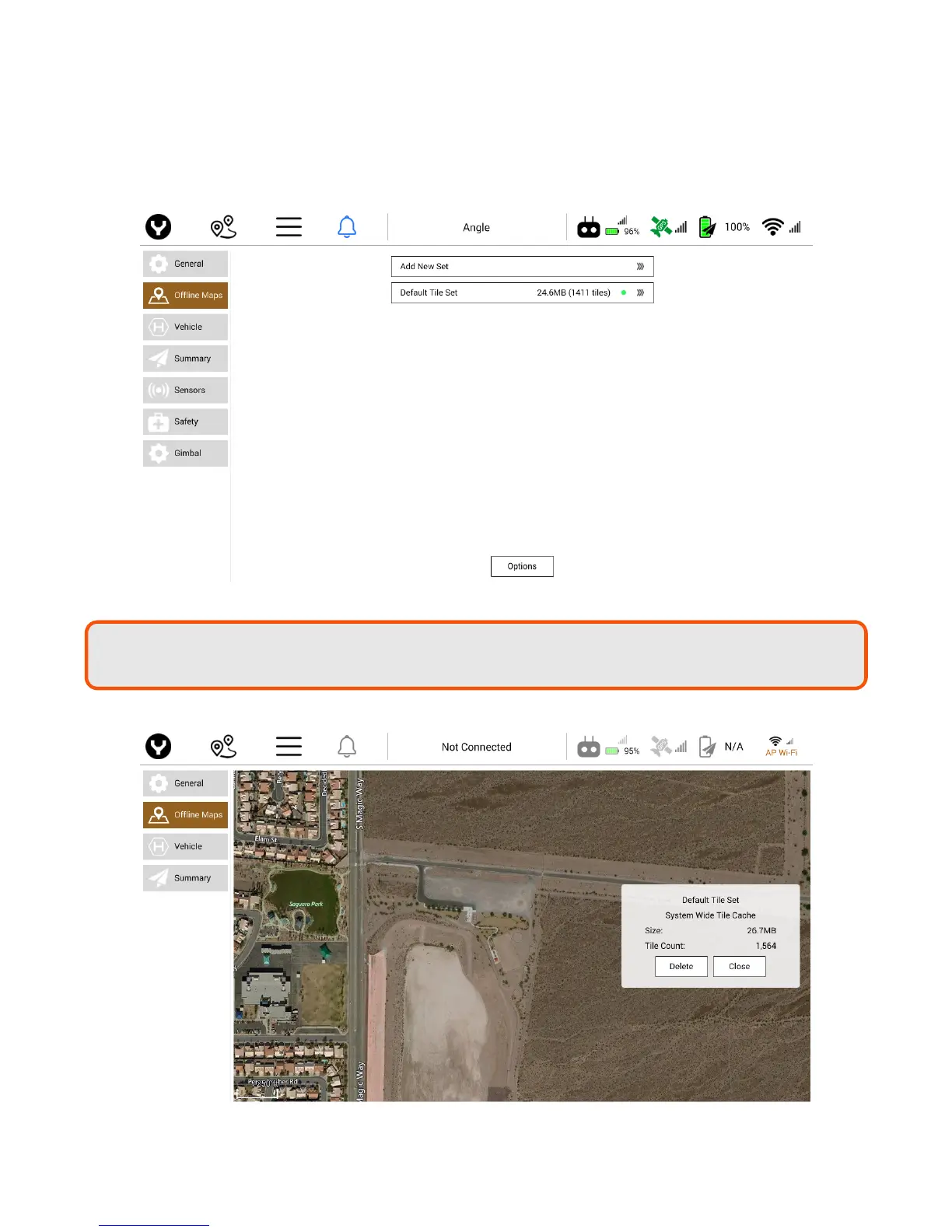
Default Tile Set
Using the Default Tile Set menu, the Pilot can view which map tiles are currently stored on the ST16S. The
Pilot can zoom in and out using the pinch method on the map. Displayed on the Default Tile Set is the
current size of the Default Tile Set in Megabytes and the current tile count. To delete the current Default
Tile Set, tap the Delete button.
Note:
Be aware of highly detailed maps filling internal storage. Check storage space if maps
become slu
ish or will
not save.



 To Next Page