Yuneec Electric Aviation
H520 Start Guide
33
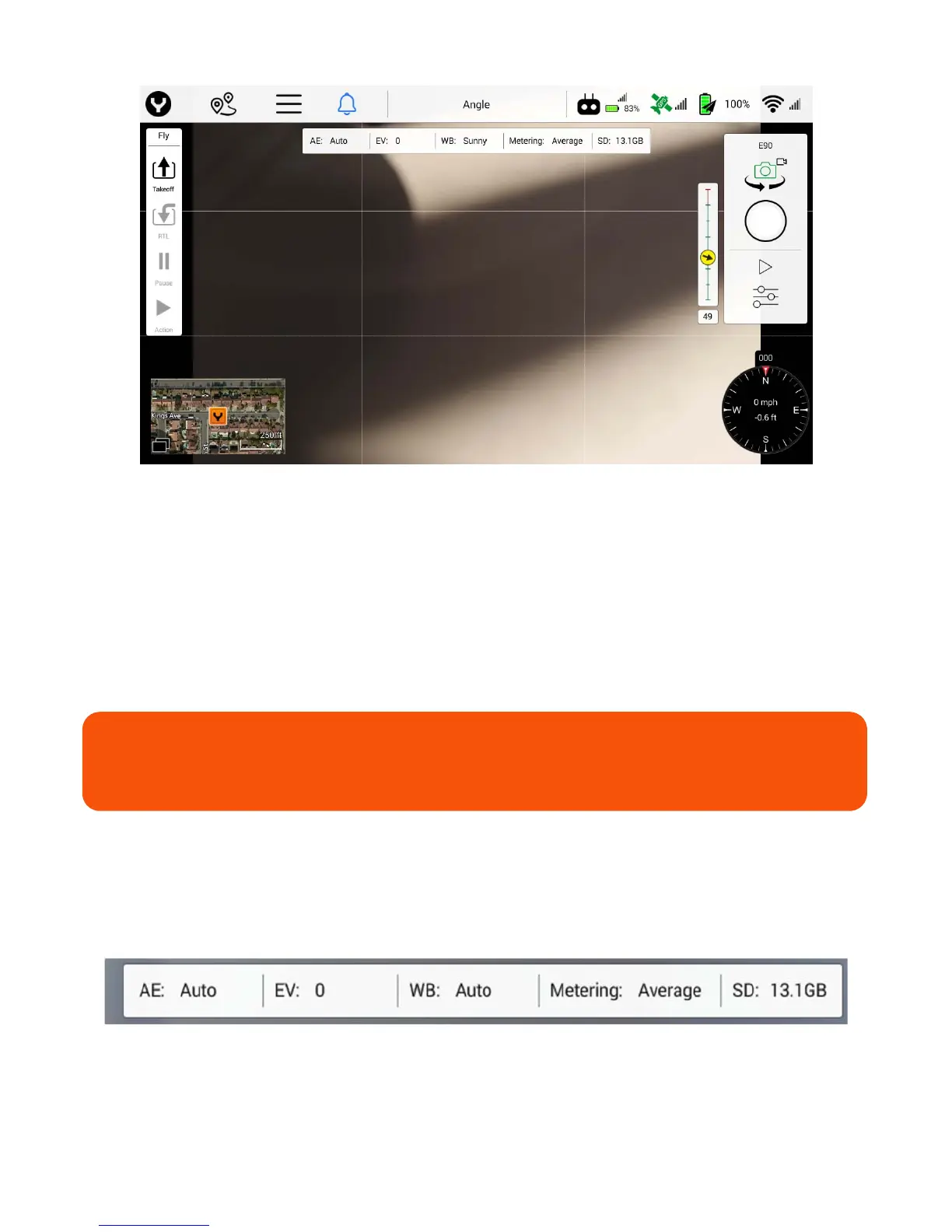
Tapping the Screen Grid soft key will display a rule-of-thirds grid in the Camera View. The line matrix/rule
of thirds is useful to ensure that all images are taken with the same focus point of view. Some kinds of
photographs will always center the subject in the middle square, while artistic images frequently put the
subject on a “power point,” or points at which the lines intersect.
Reset Camera Defaults
Using the Reset Camera Defaults soft key will reset the camera settings to factory defaults.
Micro SD Card
Using the Micro SD Card Format soft key will format any microSD Card installed in the microSD Card slot
on the camera.
Camera Info Bar
The camera info bar displays the current camera settings including AE (auto exposure mode), EV (exposure
value), WB (white balance mode), metering mode, photo/video resolution, and the remaining free space on
the connected camera’s microSD card. If no SD card is inserted, the free space will show ‘None’.
WARNING
This function will delete all data on the microSD Card and cannot be undone.



 To Next Page