Yuneec Electric Aviation
H520 Start Guide
32
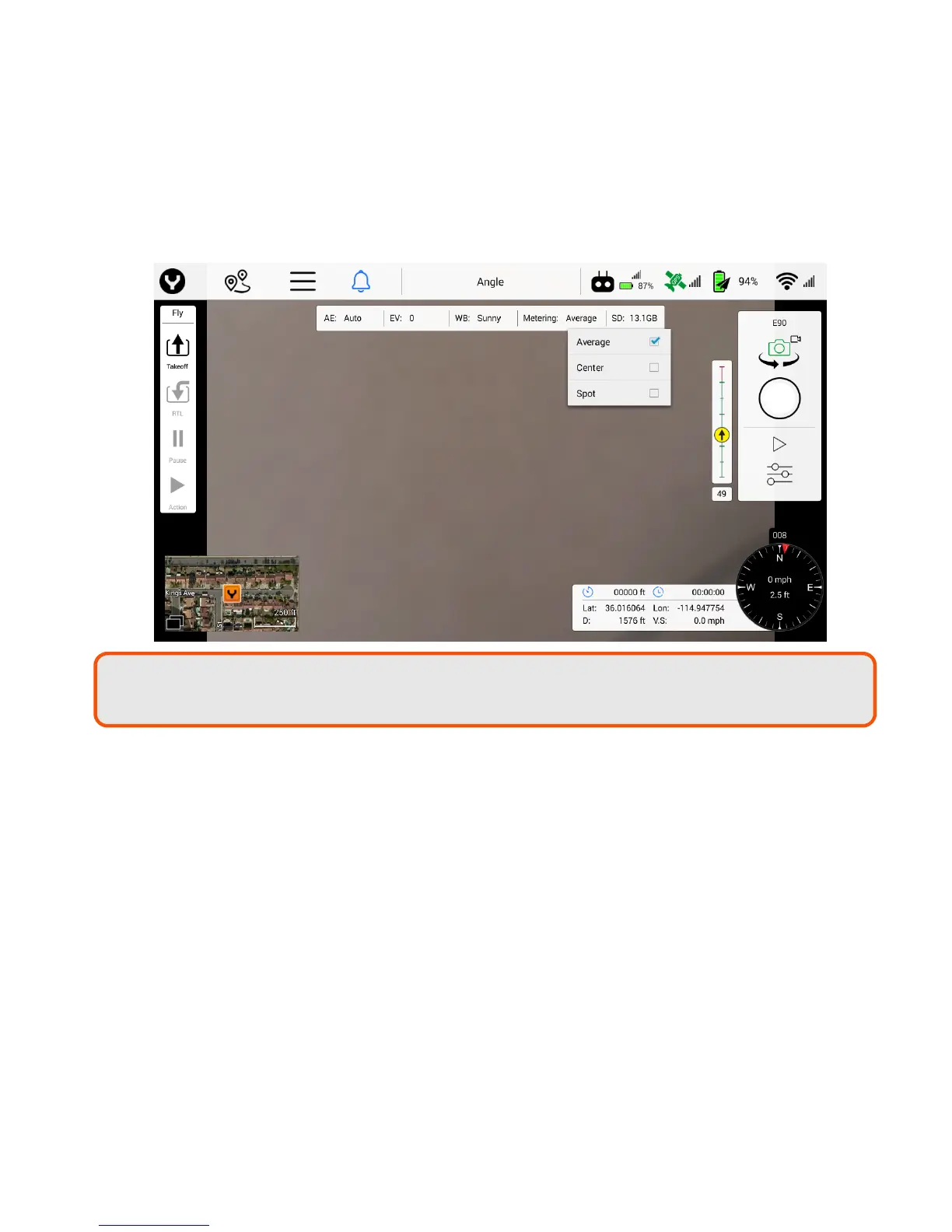
Spot - Takes a reading from a specific spot in the frame to adjust the image
o Spot mode is useful when identifying a small area in an object, or shooting against a
bright background such as snow or sky. The camera will identify a small spot in the
center/point of focus, and adjust the exposure accordingly. Another example might be
when photographing the moon, the moon is very small and very bright. The only point
of exposure value would be the moon itself, therefore, spot-metering would be the
correct choice for this scenario.
Note: To access the Metering Mode drop down menu, Auto Exposure must be enabled to
view Metering Modes.



 To Next Page