Yuneec Electric Aviation
H520 Start Guide
64
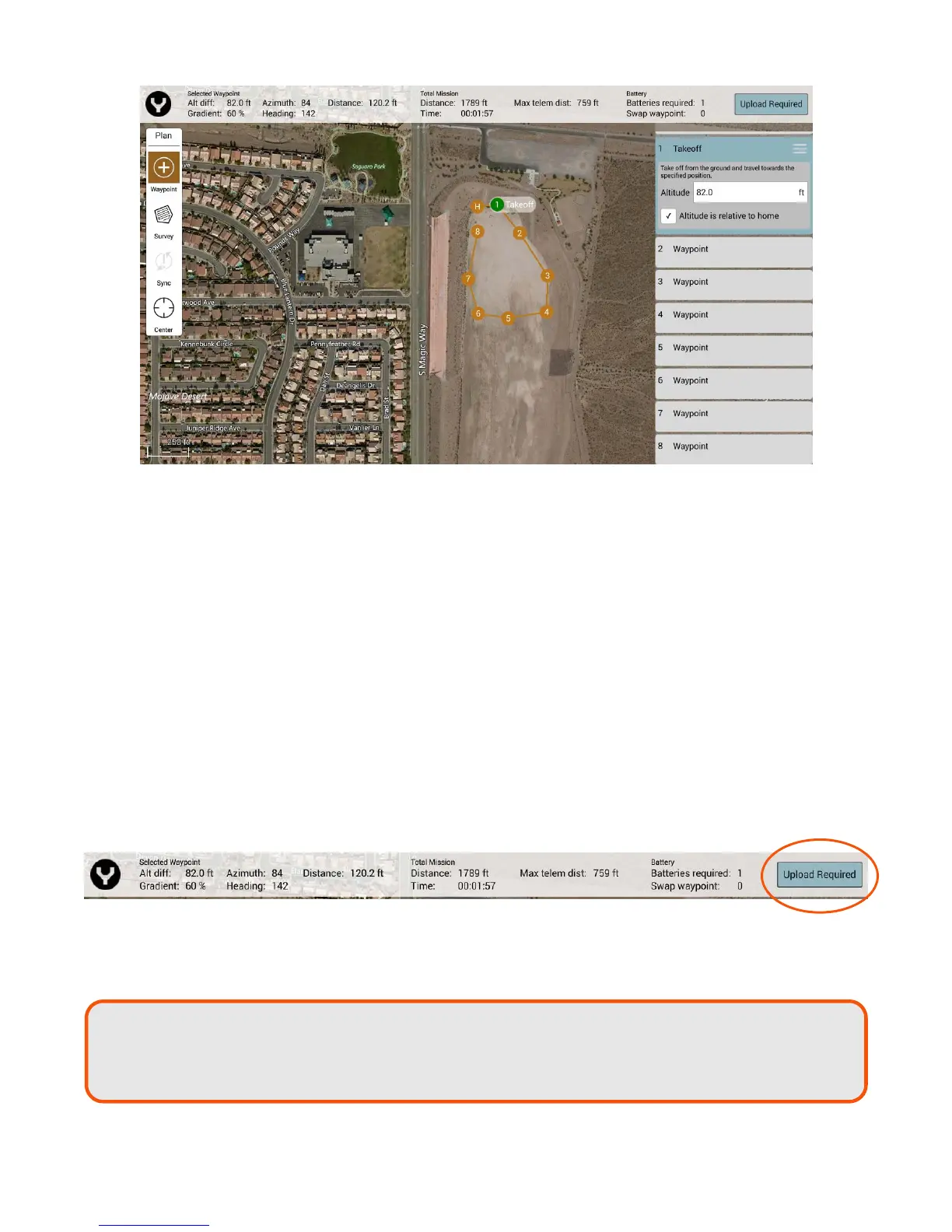
TOTAL MISSION
Distance – Total distance to be traveled during current mission.
Time – Estimated time required to complete current mission.
Max Telemetry Dist – Maximum distance between H520 and ST16S during current mission.
BATTERY
Batteries Required – Estimated number of batteries required to complete current mission.
Swap Waypoint – Predetermined waypoint for H520 to RTL for battery swap.
UPLOAD REQUIRED/UPLOAD
Soft key required to upload the current planned mission from the ST16S to the H520. When the Upload
Required soft key is flashing, this indicates the missions are out of sync, and a new upload is required to
sync the mission to the H520 prior to mission start.
After tapping this button, a thin green progress bar should appear just below the Mission Info Bar, and hear
a successful chime from the H520 when the upload is complete. Once the H520 has received the current
planned mission, the Upload Required will change to Upload.
Note:
If the error message
‘Error during Mission communication with
ircraf
:
ircraf
did not
request all items from ground station: MISSION_REQUEST’, is received, try the upload
again. This typically means that something interfered with the transfer.



 To Next Page