Yuneec Electric Aviation
H520 Start Guide
6
CHARGING
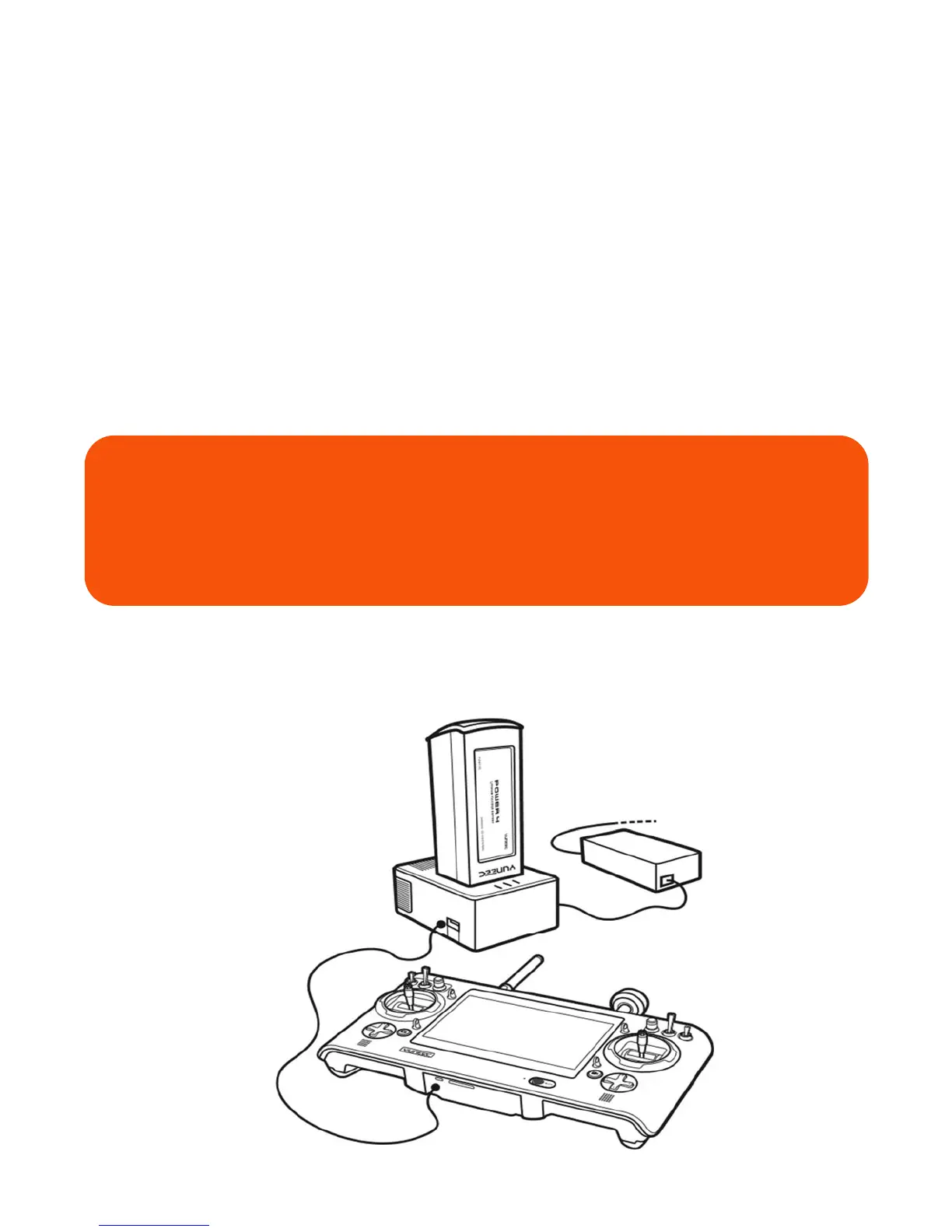
Power the desktop charger from a 100-240V AC outlet using the AC adapter/power supply, or from a 12V-
16.8V DC accessory socket/cigarette lighter receptacle in an automobile using the included adapter. Plug
the aircraft battery into the charger port as illustrated.
A green blinking LED indicates the charger is powered on and ready to charge, and a red blinking LED
indicates the battery is charging. It will take approximately 2.5 hours to charge a fully discharged (not over-
discharged) battery. A solid green LED indicates the battery is fully charged. Alternating red and green led
lights indicate balanced charging (this ensures the individual cells inside the battery are charged to similar
amounts).
Be certain to never completely drain an H520 battery. Batteries should be stored at 30-50% charge, and
never stored at full charge.
WARNING
All instructions and warnings must be followed exactly to prevent property
damage and/or serious injury as the mishandling of Li-ion/LiPo batteries can
result in a fire.



 To Next Page