Yuneec Electric Aviation
H520 Start Guide
47
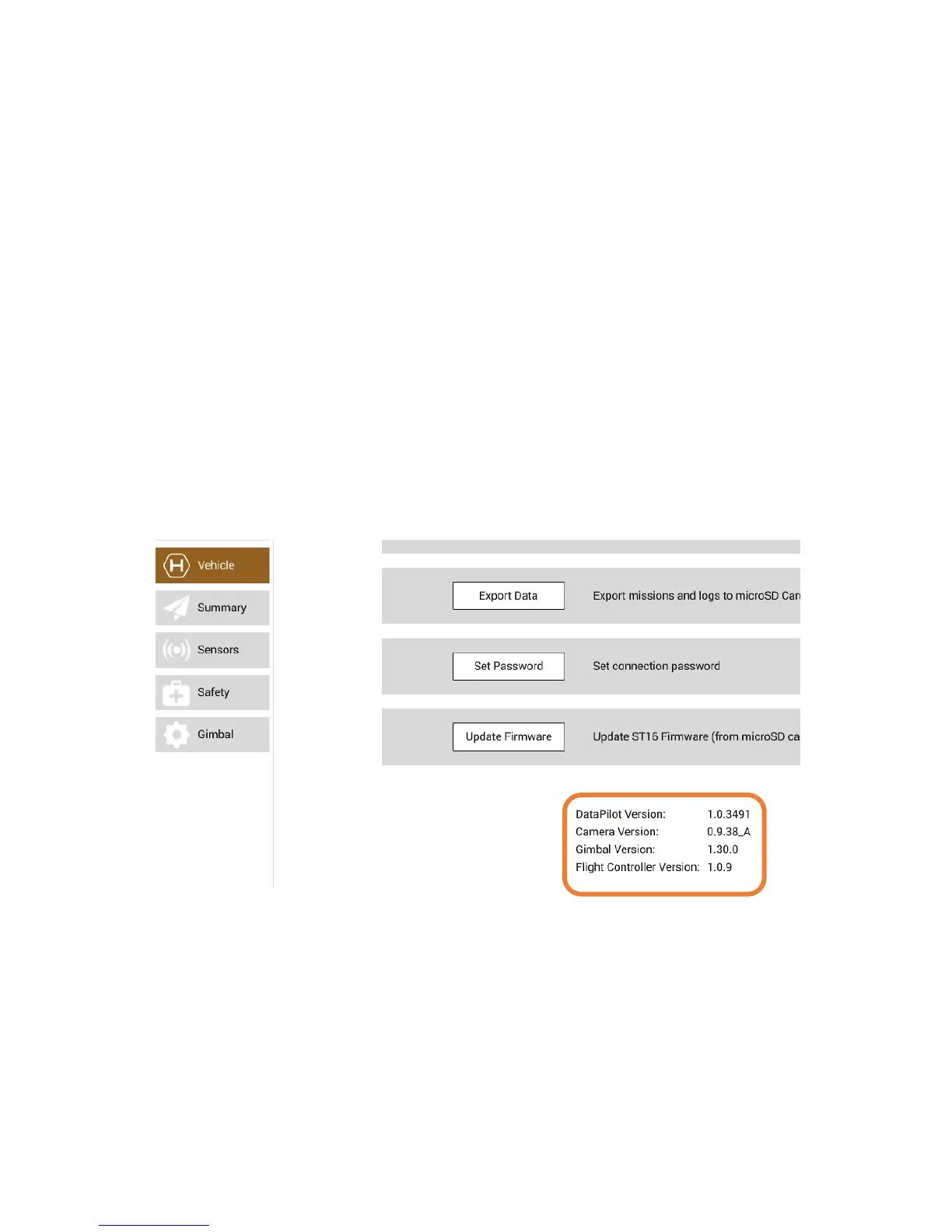
UPDATE FIRMWARE
Update Firmware enables the Pilot to upgrade the ST16S firmware. The file (update.zip) must be present
on the root directory of the microSD Card. Yuneec recommends using UpdatePilot for updating software.
VERSIONS
Displayed on the bottom of the Aircraft Menu Settings are the current versions of the following Firmware
Versions: DataPilot™, Camera, Gimbal, and Flight Controller. It is highly recommended to install the most
current versions of Firmware to ensure proper operation of the H520 and ST16S (refer to AC107.7.2).
Aircraft ID
An unique ID in the form of 8 pairs of HEX digits separate by colons is displayed for the connected aircraft,
i.e. xx:xx:xx:xx:yy:yy:yy:yy
The aircraft ID is required for some upgrade and security uses and OTA updates.



 To Next Page